
1. Open the V5 login page (https://v5.patisco.com/login). 2. Enter your account or email in the "Account / Email" field (required). 3. Enter your password in the "Password" field (required). To check for typos, click the eye icon on the right side of the password field to show or hide the password. 4. Click the blue [Log in] button to enter the system. If you forgot your password, click [Forgot password?] on the right below the password field to start the password reset process. To see the password rules first, click [Password rules] on the left below the password field. The globe icon at the top right of the page switches the interface language.
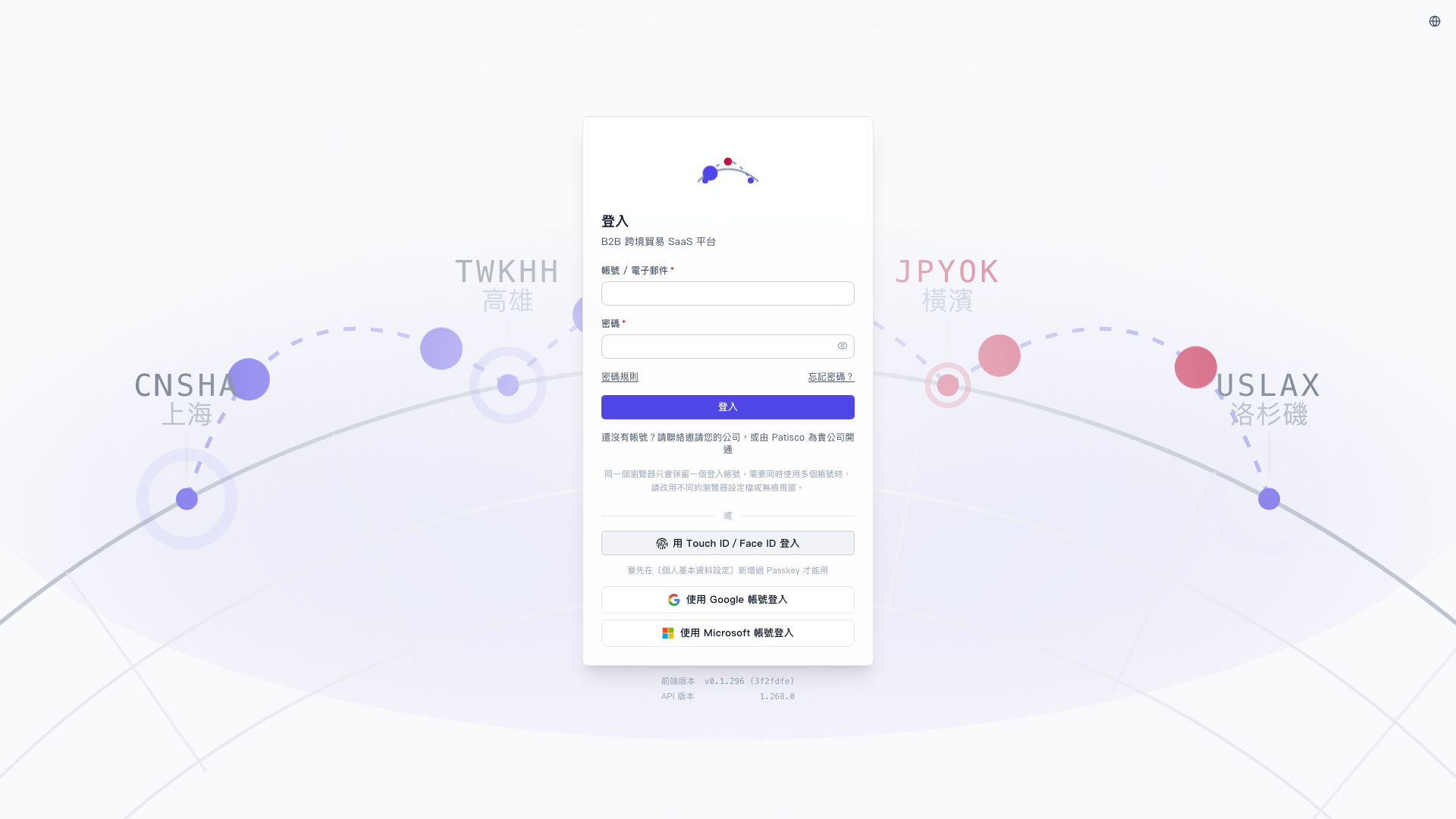 V5 新桌面版|登入