
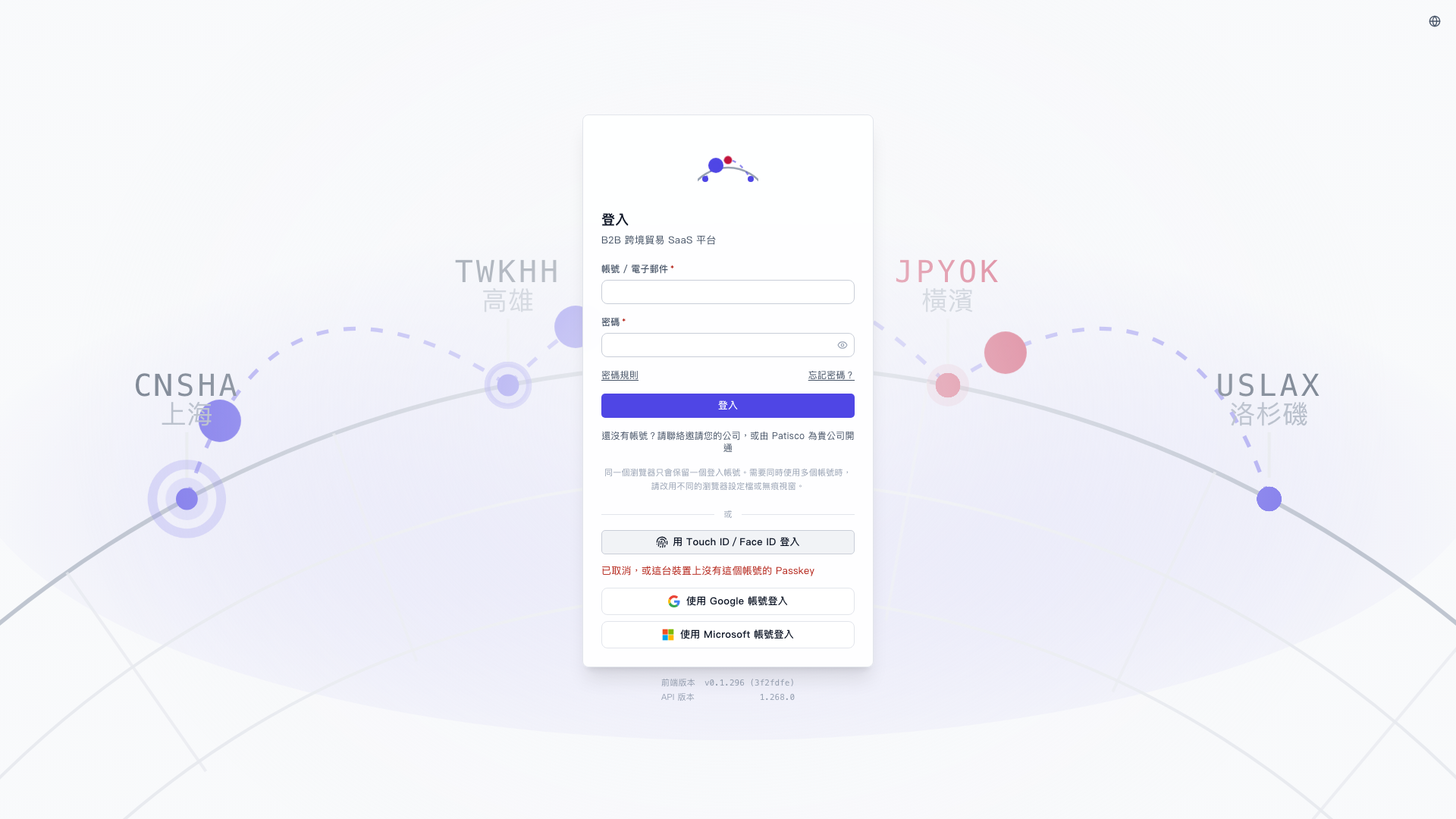
This message means you cancelled the verification, or this device does not yet have a Passkey for this account. You can handle it as follows: 1. If you cancelled by accident, click "Log in with Touch ID / Face ID" again and complete the verification as your device prompts. 2. If no Passkey has been registered on this device, enter your details in the "Account / Email" and "Password" fields instead, then click the blue "Log in" button. 3. You can also click "Log in with Google account" or "Log in with Microsoft account". 4. When this message appears, no login is submitted, so your account is not affected. You can simply use another method.
 V5 新桌面版|登入