
The V5 login page (https://v5.patisco.com/login) offers these login methods: 1. Account and password: enter them in the "Account / Email" and "Password" fields (both required), then click the blue "Log in". The eye icon on the right of the password field shows or hides the password so you can check for typos. 2. Biometrics: click "Log in with Touch ID / Face ID" (a Passkey must already be registered on this device). 3. Single sign-on: click "Log in with Google account" or "Log in with Microsoft account". Forgot password: click "Forgot password?" on the right below the password field and follow the instructions to reset it. To check the password rules, click "Password rules" on the left below the password field. If you don't have an account yet: contact the company that invited you, or have Patisco set one up for your company. The globe icon at the top right of the page switches the interface language.
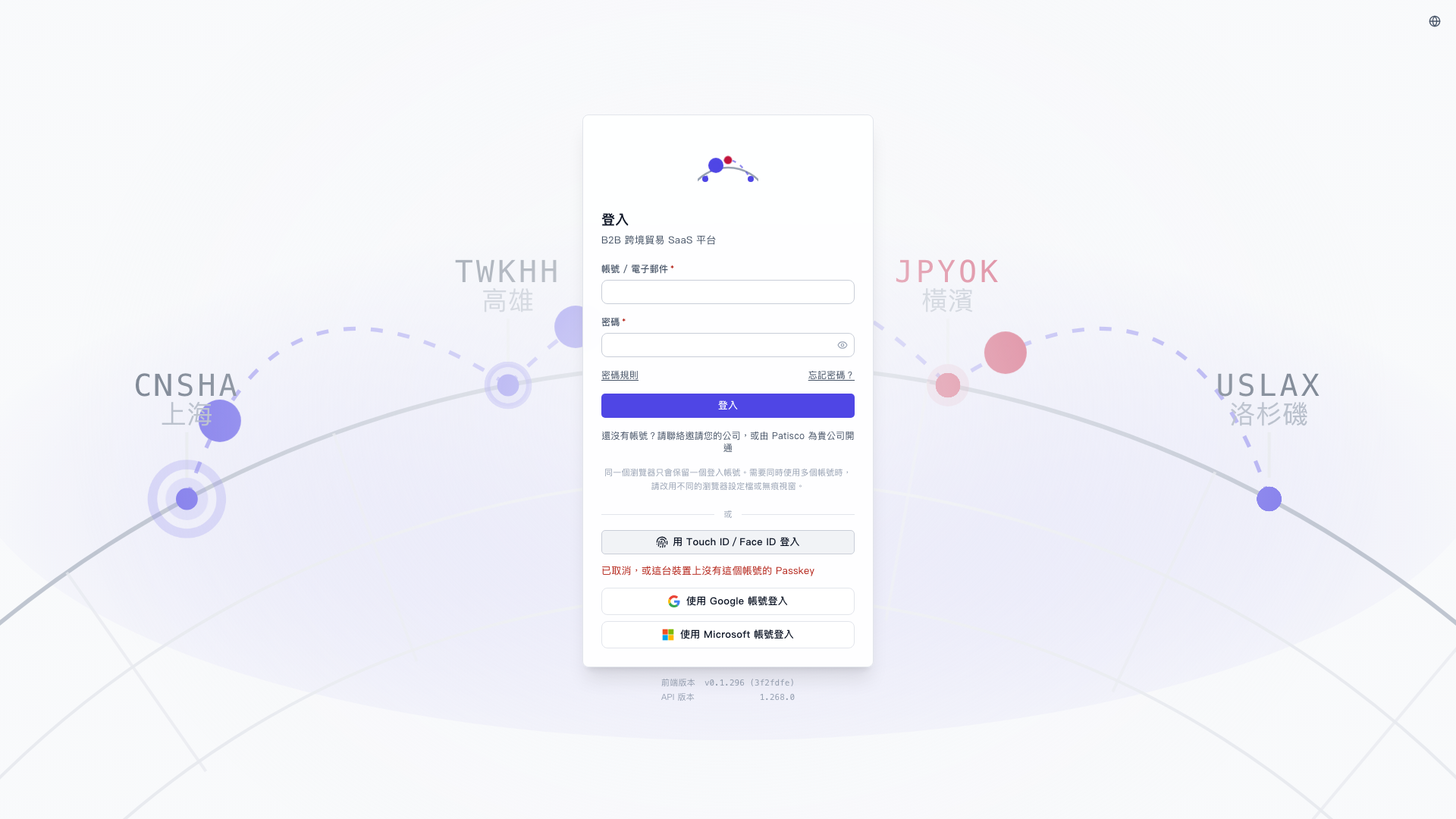 V5 新桌面版|登入