
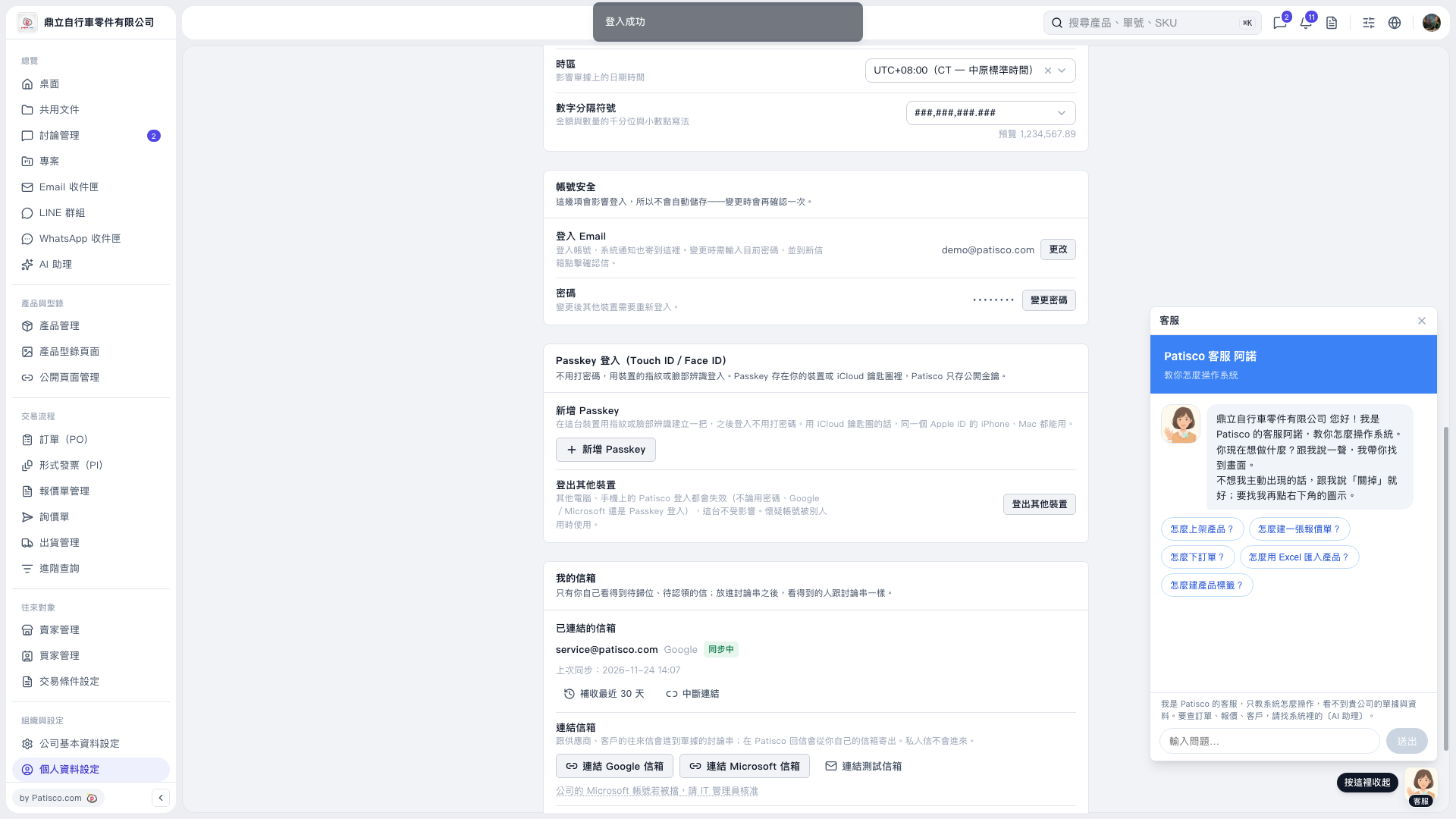
1. This message means the Passkey you selected is not registered in V5 and can't be used to log in. Common causes are that it is registered in the patisco.com back office, or that it has been deleted. 2. Click [Log in with password and go to Passkey settings] in the message. 3. After you log in with your password, the system takes you to the Passkey section of Profile Settings (the URL is /profile#passkeys). 4. Click [Add Passkey] and register again with your fingerprint or face recognition as prompted. Note: a Passkey added in V5 on desktop or mobile can be used on both.
 V5 新桌面版|個人資料設定