
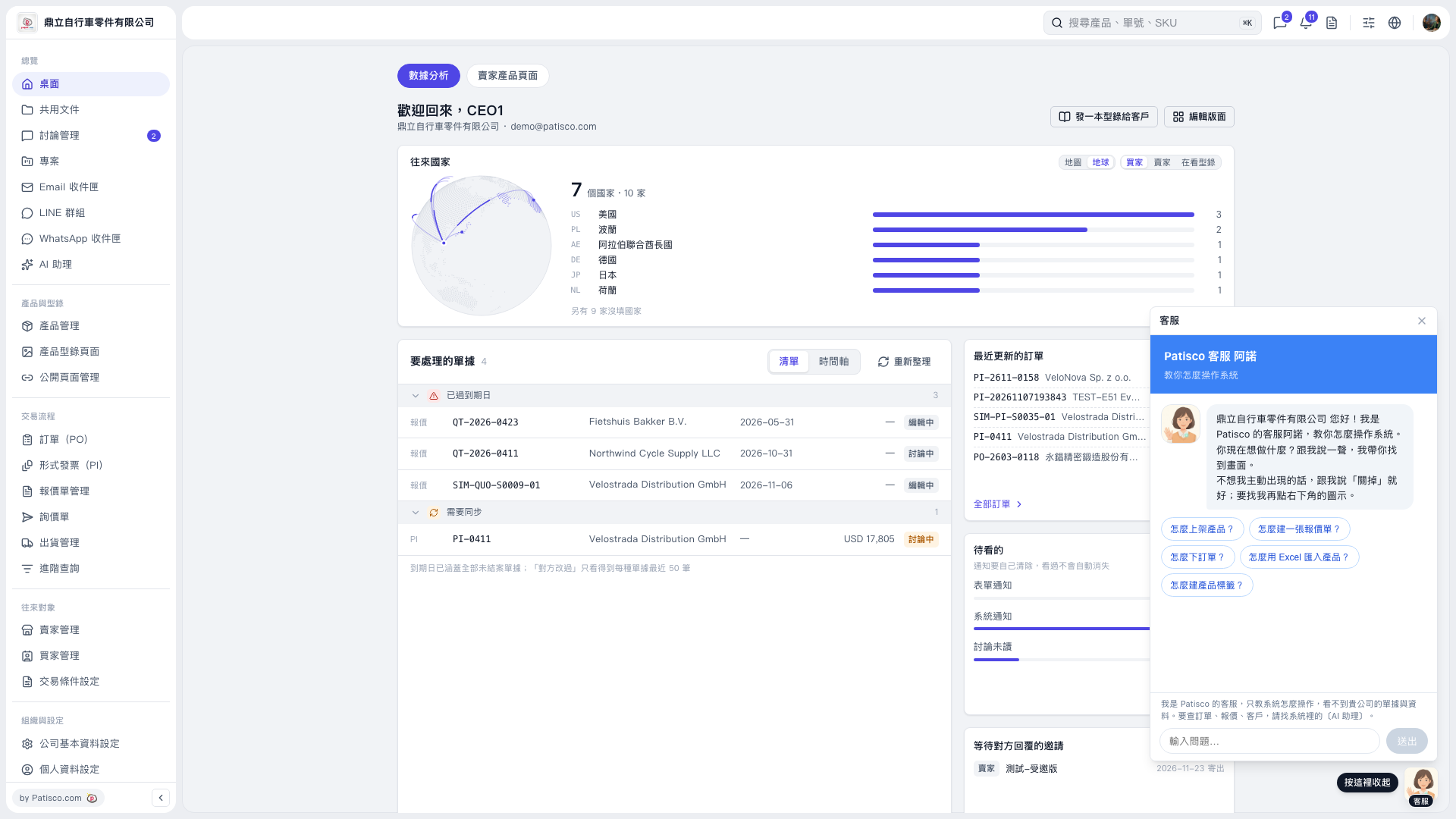
1. After logging in, go to the desktop and make sure "Desktop" is selected in the left sidebar. 2. In the "Documents to handle" card, view the expired quotations and PIs, or those that need syncing. Each row shows the document type, document number, customer name, due date, amount, and status (Editing / In discussion). 3. Click a document row to open it for editing or follow-up. 4. To change the display mode, click "List" or "Timeline" at the top right of the card. 5. When you need the latest data, click "Refresh" at the top right of the card. 6. To view other orders, click "All orders" at the bottom of "Recently updated orders".
 V5 新桌面版|桌面(歡迎回來,CEO1)