
1. In the left sidebar, under "Trade Flow", click "Inquiry". 2. Make sure the tab at the top left of the list is set to "Received". This tab lists the inquiries you have received. 3. Click "Columns 4/9" at the top right of the list. 4. In the list, check the columns you want to show (for example, received date). The list will then show that column. The columns shown by default are inquiry number, status, buyer, and created date. If you want to shorten the list, you can go back to "Columns 4/9" and uncheck the columns you don't need.
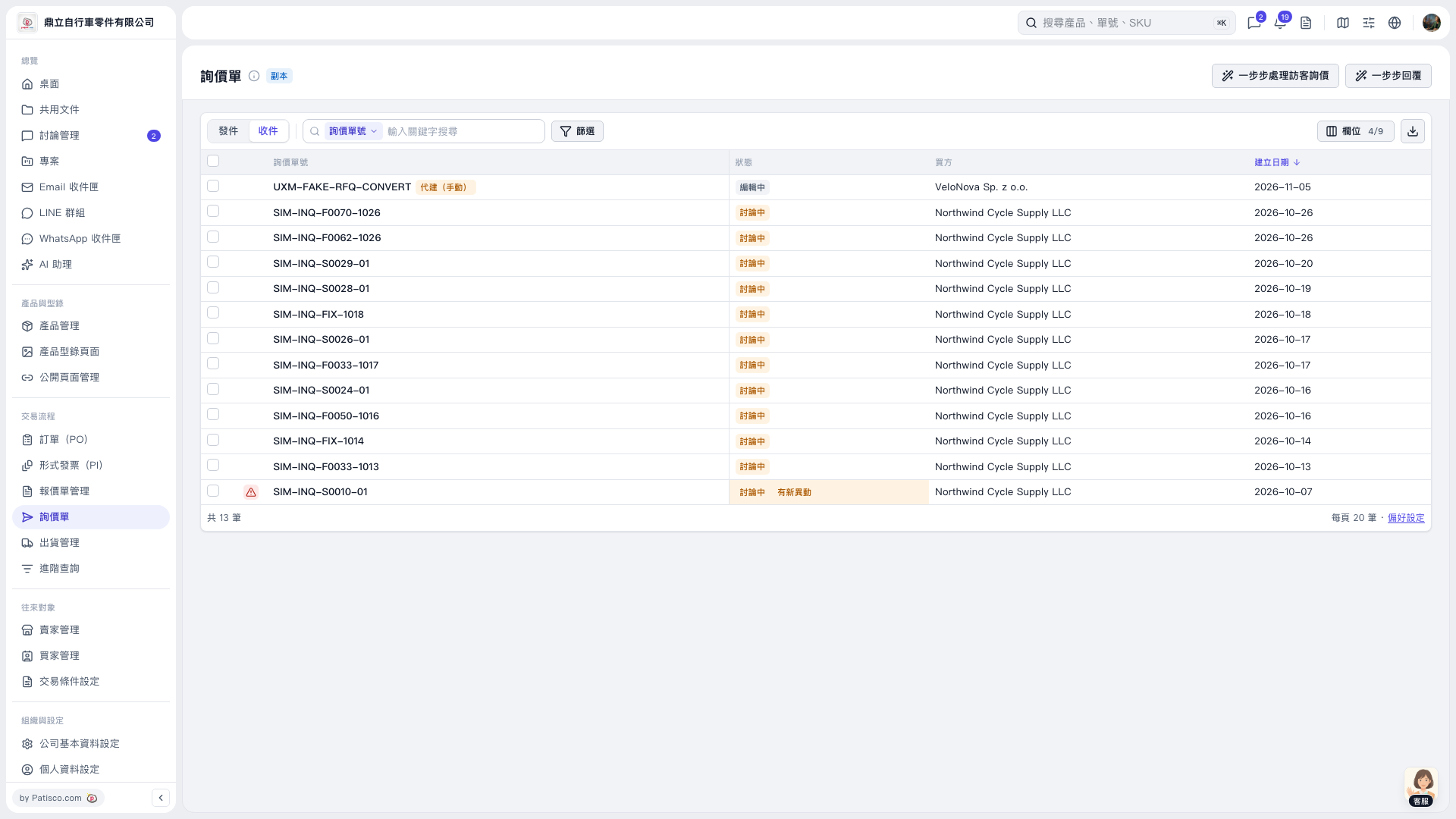 V5 新桌面版|詢價單