
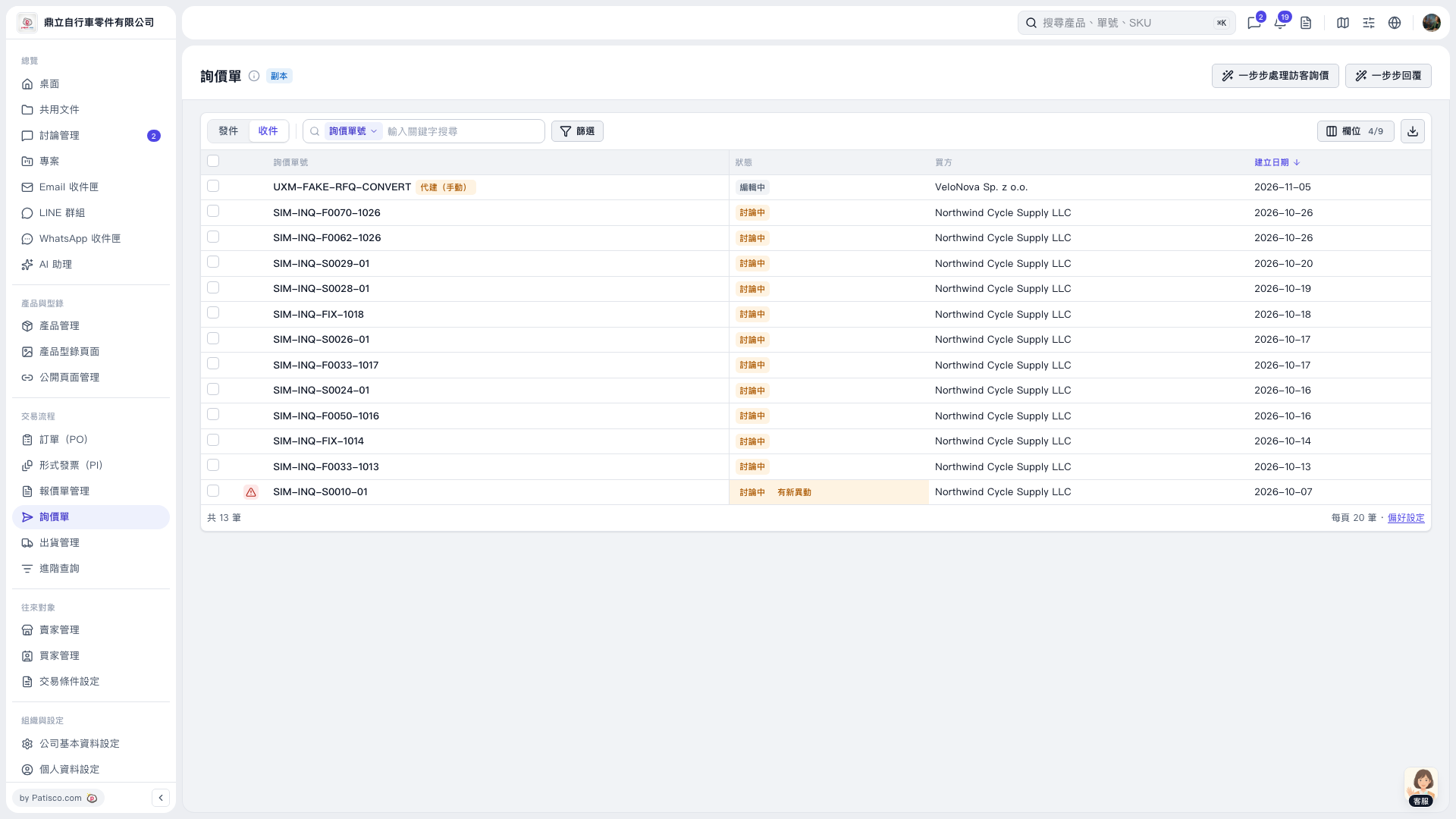
1. In the left sidebar, click "Inquiry" under "Trade Flow". 2. At the top left of the list, select the "Received" (inquiries you received) or "Sent" (inquiries you sent) tab. 3. The list shows the inquiry number, status, buyer, and created date. The status may show values such as Editing, In discussion, and Updated. 4. Click the inquiry number you want to handle to open its detail page, where you can view or reply.
 V5 新桌面版|詢價單