
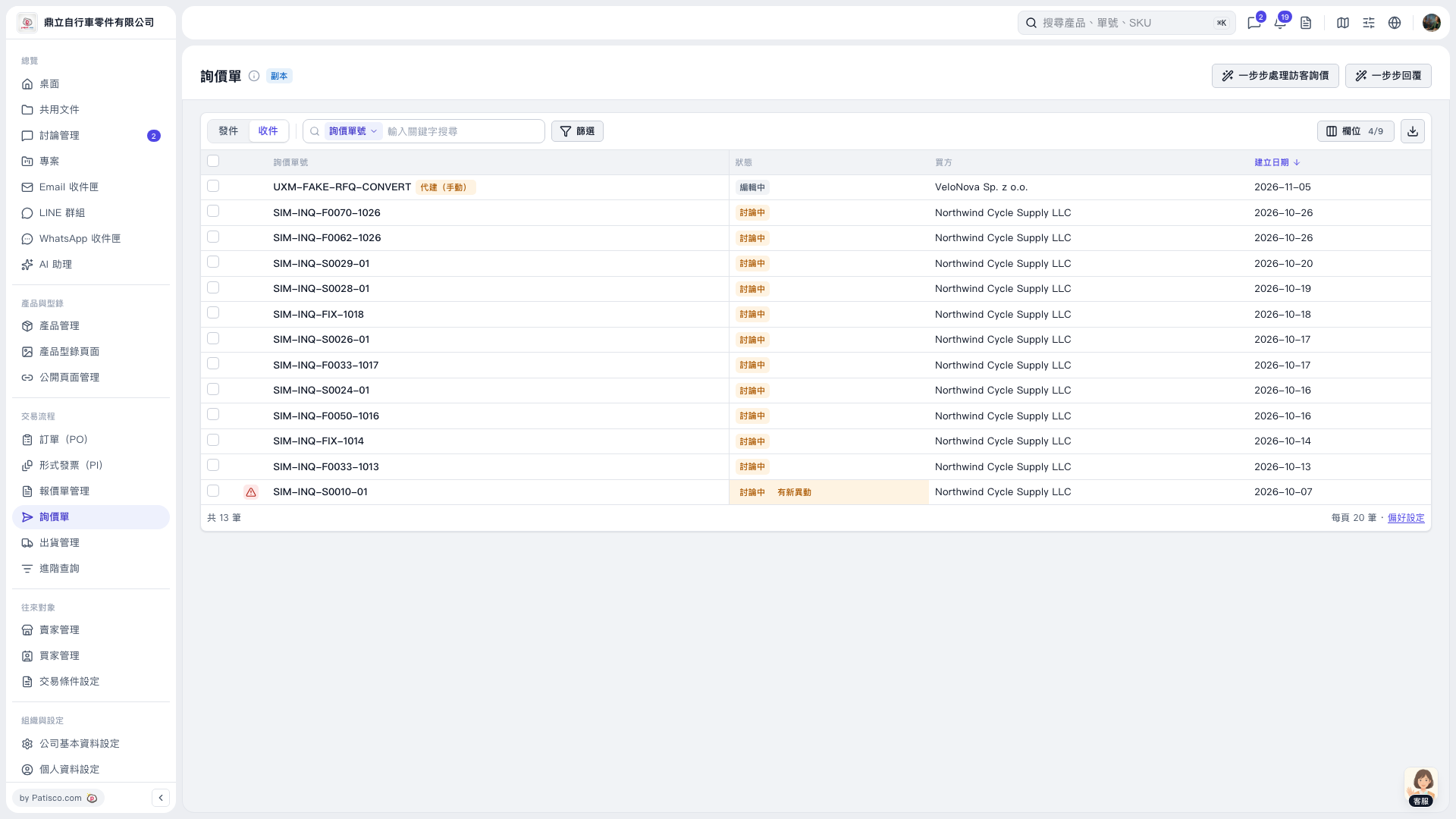
1. Go to the "Inquiry" list and first select the "Received" or "Sent" tab. 2. Use the search box above the list: first select "Inquiry number", then enter a keyword to search. 3. You can also click "Filter" to narrow down the results by conditions. 4. To change which columns the table shows, click "Columns" at the top right. To export the list data, click the download icon at the top right. 5. "Preferences" at the bottom right of the list lets you change the number of items shown per page.
 V5 新桌面版|詢價單