
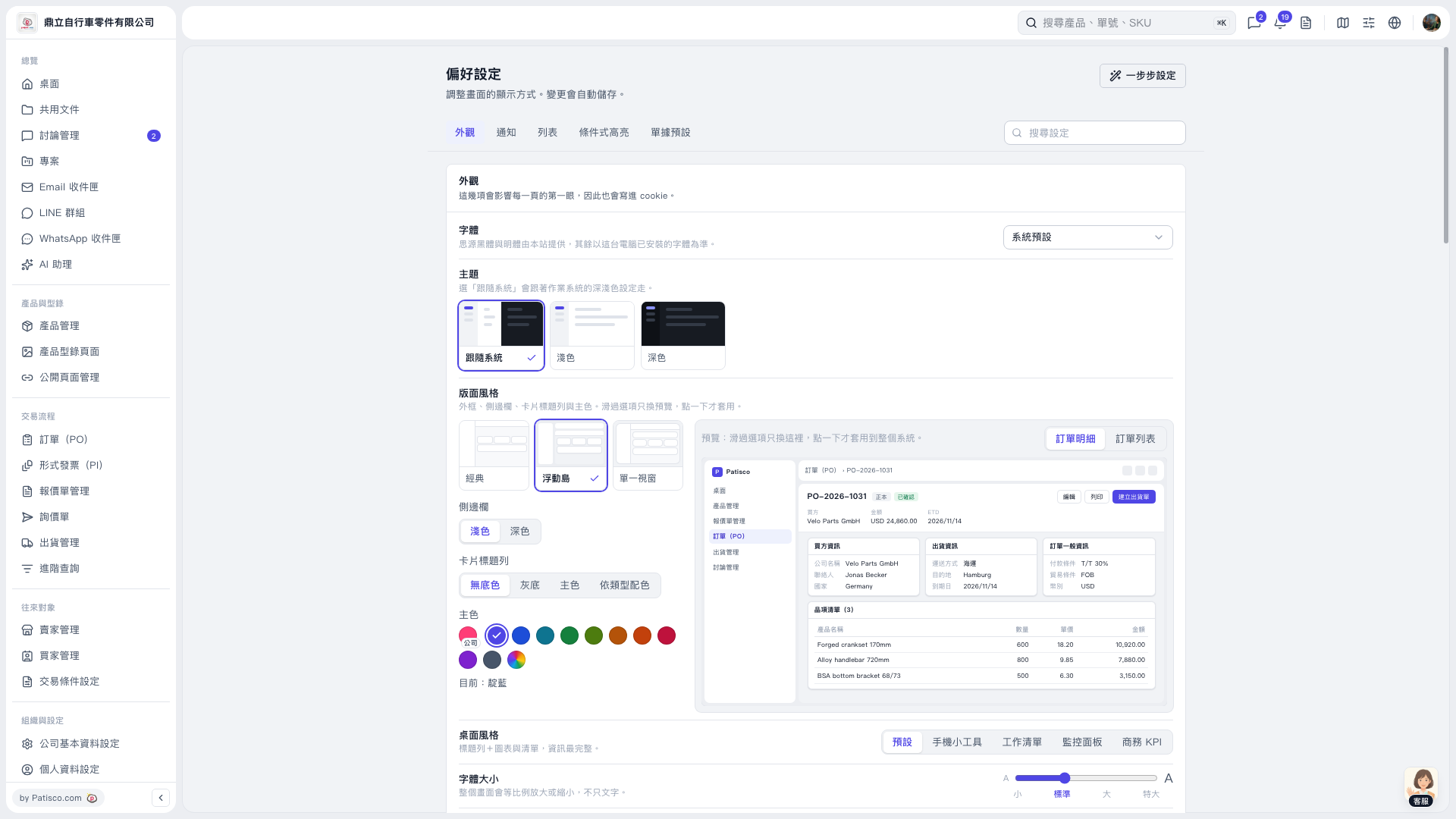
1. Open [Preferences]. 2. Click [Step-by-step setup] at the top right of the page title. This starts a guided setup wizard. 3. Follow the step bar down the page. For example, step 3, "List and details", lets you see settings such as [Interface language] and [Time zone]. The on-screen descriptions explain what each setting does. For example, [Interface language] only affects what you see on your own screen, and [Time zone] determines which time zone is used to display the times you see (for example, a document's creation time). For steps you do not change, the system does not alter your existing settings.
 V5 新桌面版|偏好設定