
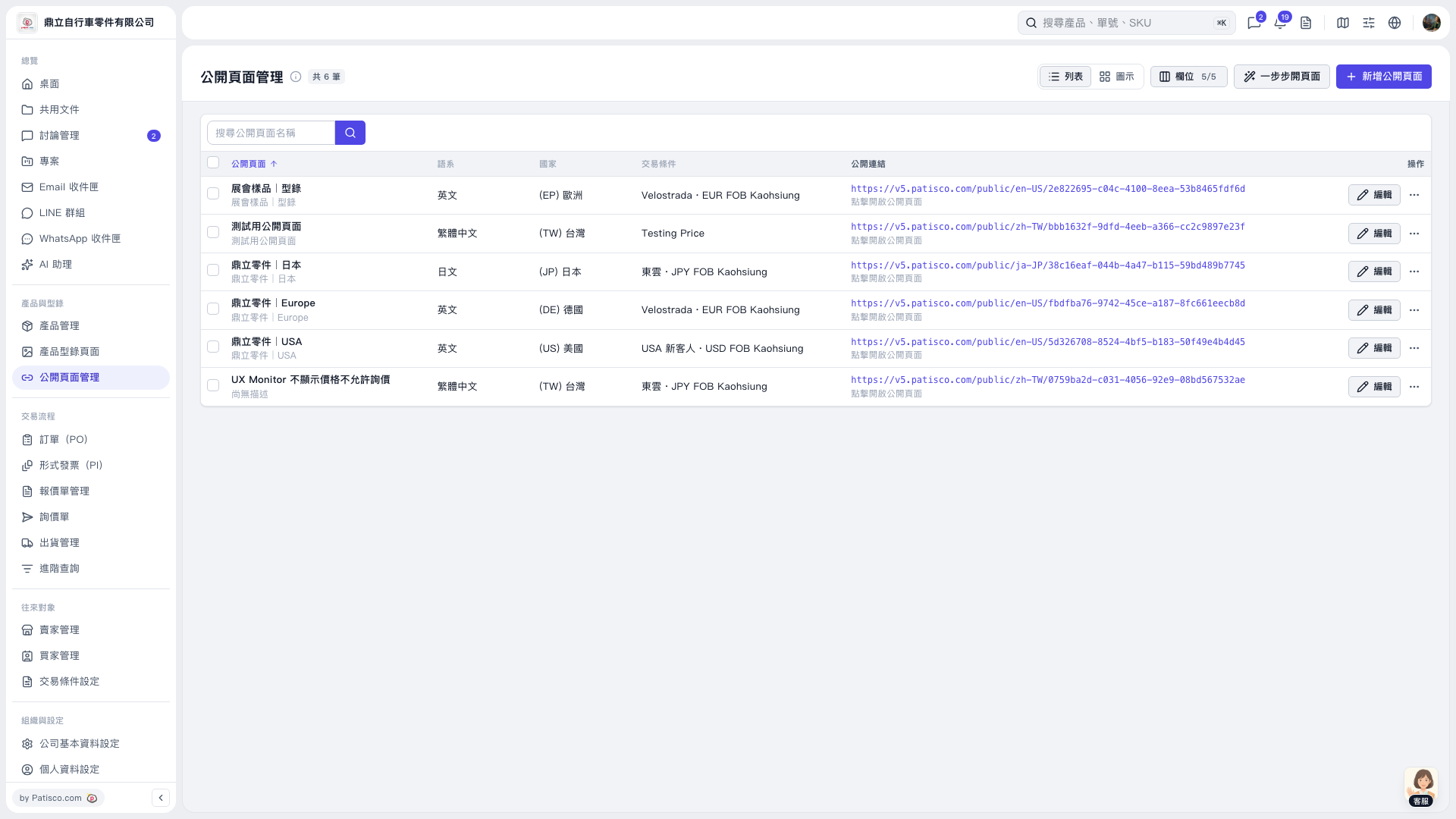
1. In the left sidebar, click "Public Page Management" under "Products & Catalogs". 2. Click "Step-by-step page setup" at the top right (to the left of "Add public page"). 3. In the wizard, select the catalog you want to make public, then click [Next]. 4. Next, choose how visitors can use the page: [Can order] or [Can inquire]. 5. Complete the setup following the wizard prompts. If you leave midway by clicking [Discard changes], no public page is created. If you want to set it up manually, click "Add public page" instead, set the page name, language, country, and trading conditions, then save. You can ask the AI assistant: "What is the difference between Can order and Can inquire when setting up a page step by step?" The AI replies: [Can order] means visitors can see prices and place an order by adding items to the cart. The order becomes a copy of a PO created on their behalf, and it appears in the copies of [Orders (PO)].
 V5 新桌面版|公開頁面管理