
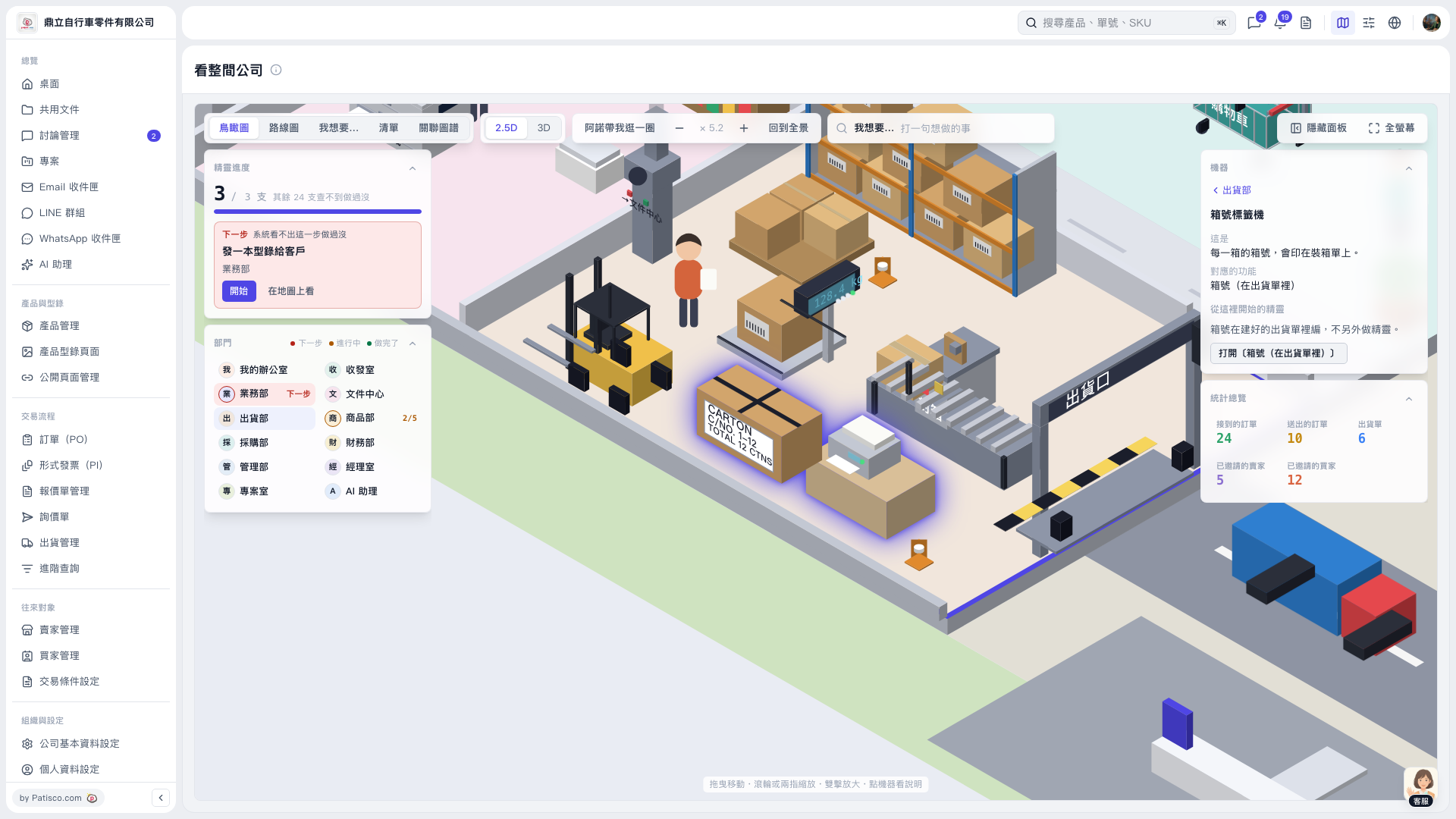
The "See the whole company" page offers several ways to find features: 1. Look at the "Wizard progress" card on the left, where the system suggests the next step. Click [Start] to complete the task with guidance, or click [View on map] to first find the corresponding location on the isometric map. 2. Click a department in the "Departments" panel on the left (for example, Shipping). The map focuses on that department. Then click a machine, and the "Machine" panel on the right shows its description. 3. In the "I want to…" search box at the top right of the map, type what you want to do in one sentence, and the system will guide you to the corresponding feature. 4. Click [Arno shows me around] on the toolbar above the map, and the system will take you on a tour of the whole company. You can also zoom the map with [-] and [+], or click [Back to overview] to reset the view.
 V5 新桌面版|看整間公司