
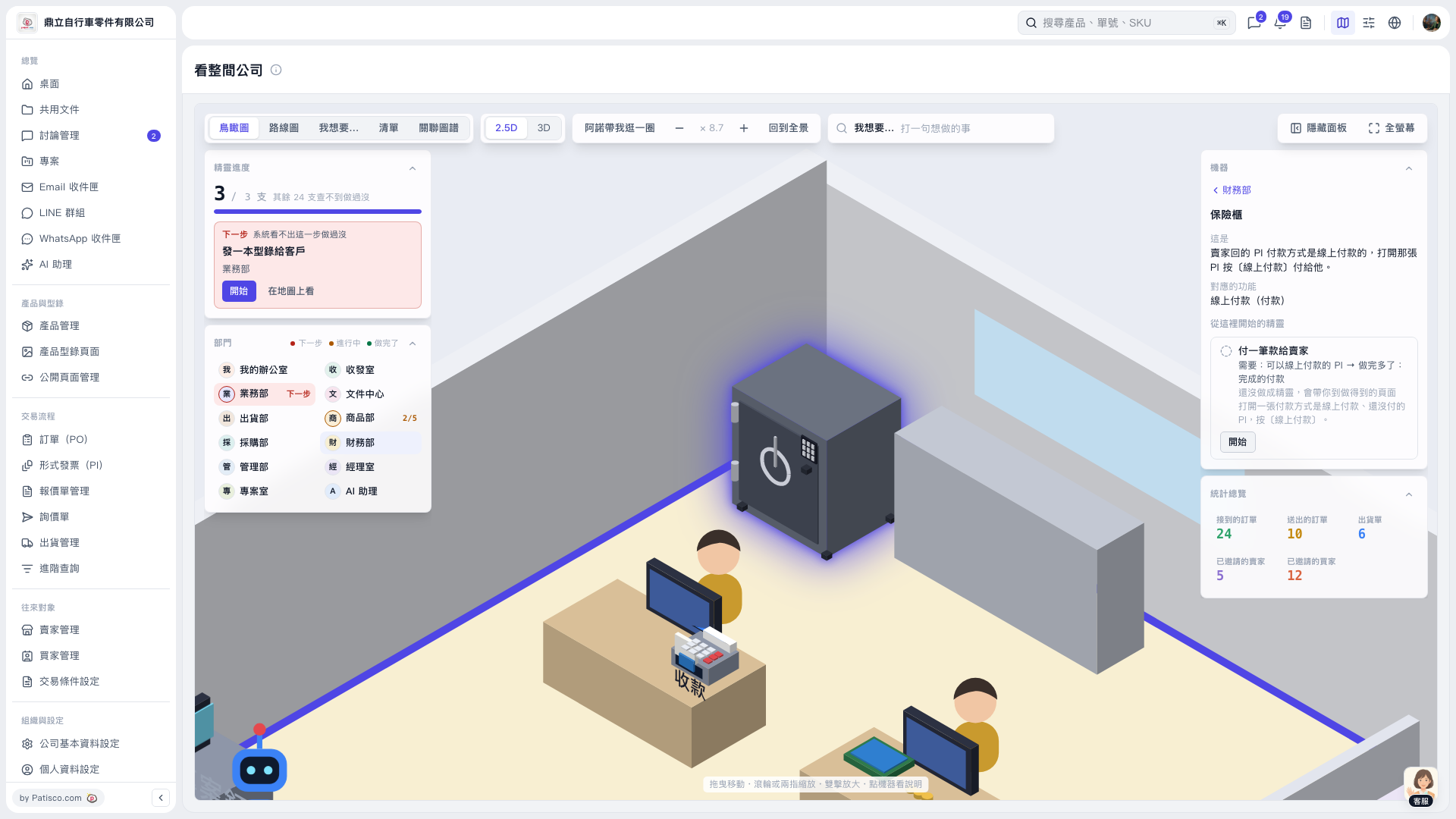
1. On the "Wizard progress" card at the top left, click "Start" to go straight to the recommended next task. If you want to check where the task is on the map first, click "View on map" next to it. 2. If you need a larger view, click "Hide panels" at the top right to collapse the information panels on both sides, or click "Full screen". 3. Use "+" and "−" on the top toolbar to zoom in and out. If you get lost, click "Back to overview" to reset the view. 4. If you are not sure where to go, type what you want to do in the "I want to..." search box at the top, or click "Arno, show me around" to have the system take you around the whole company.
 V5 新桌面版|看整間公司