
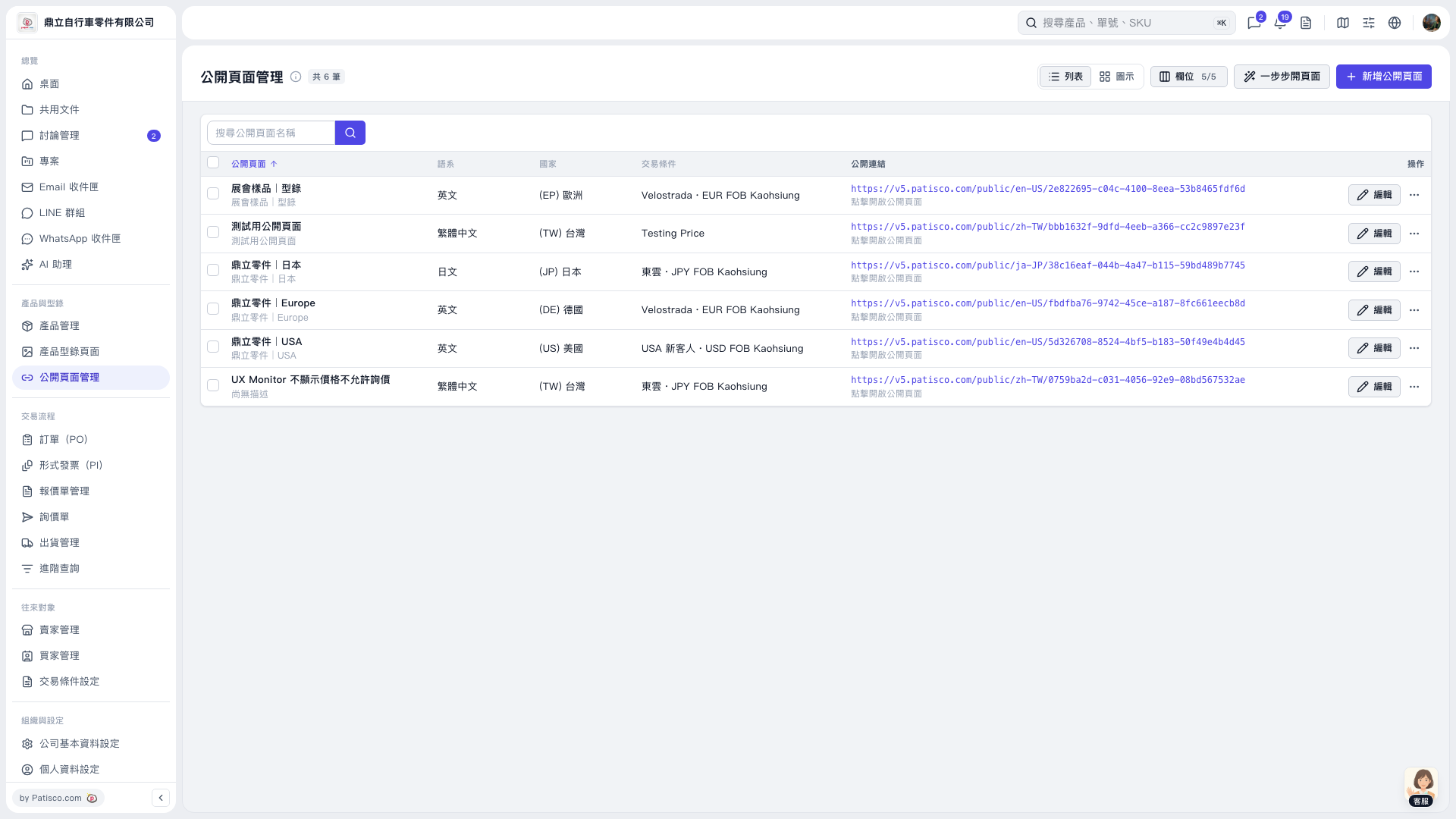
1. In the left sidebar, click "Public Page Management" under "Products & Catalog". 2. The list shows each public page's "Public page", "Language", "Country", "Trading condition", "Public link" and "Actions". 3. To find a specific page, type the public page name in the search box at the top left of the table and search. 4. "Columns 5/5" at the top right lets you choose which columns the table shows, and "List / Icons" switches the view.
 V5 新桌面版|公開頁面管理