
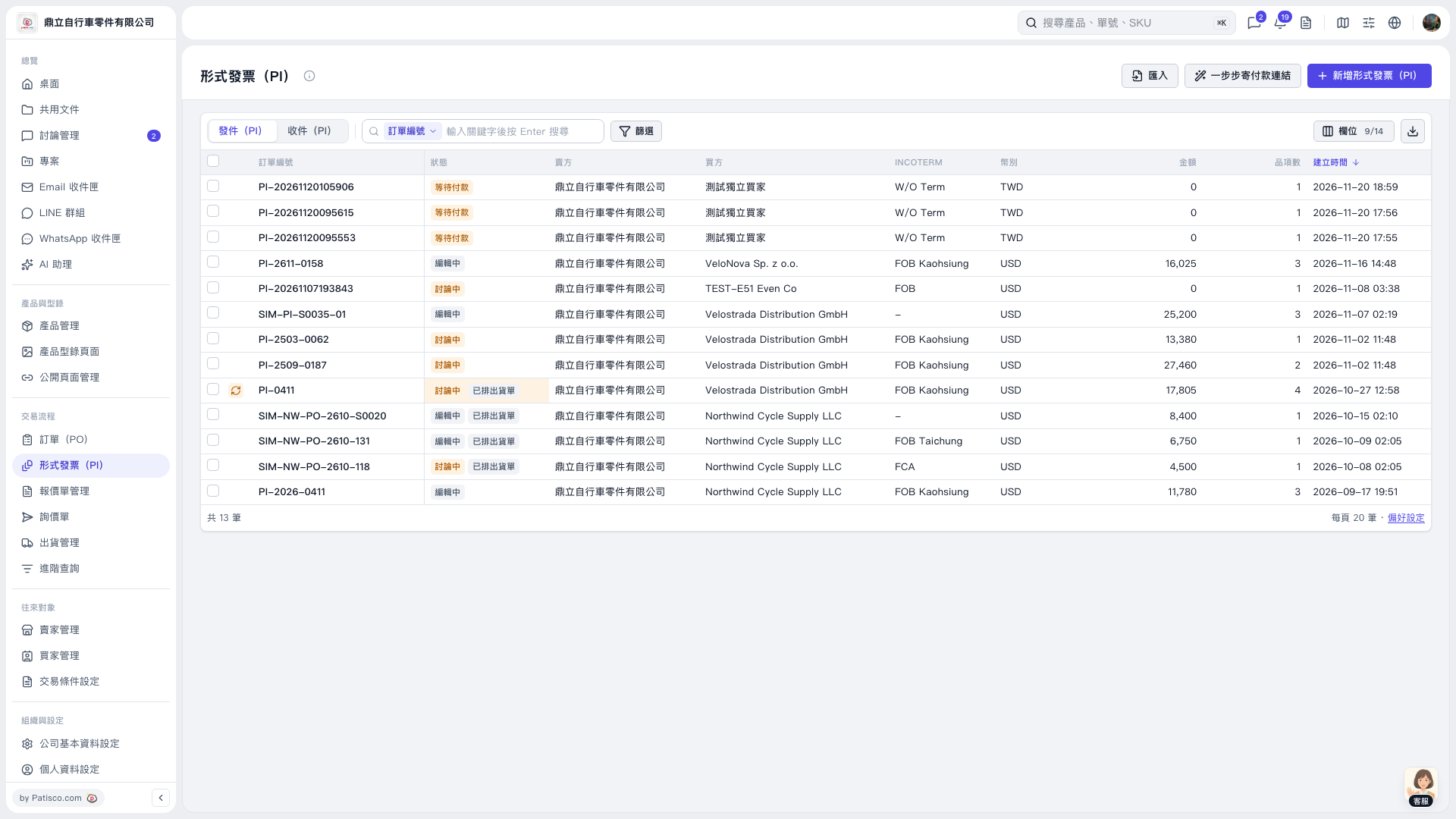
1. In the left sidebar, click [Proforma Invoice (PI)] under "Trade Flow". 2. Make sure the [Sent (PI)] tab at the top is selected. 3. Click [Send a payment link step by step] at the top right, located between [Import] and [Add Proforma Invoice (PI)]. 4. Follow the wizard's instructions to select the buyer and the PI you want to collect payment for, then continue on to get the payment link.
 V5 新桌面版|形式發票(PI)