
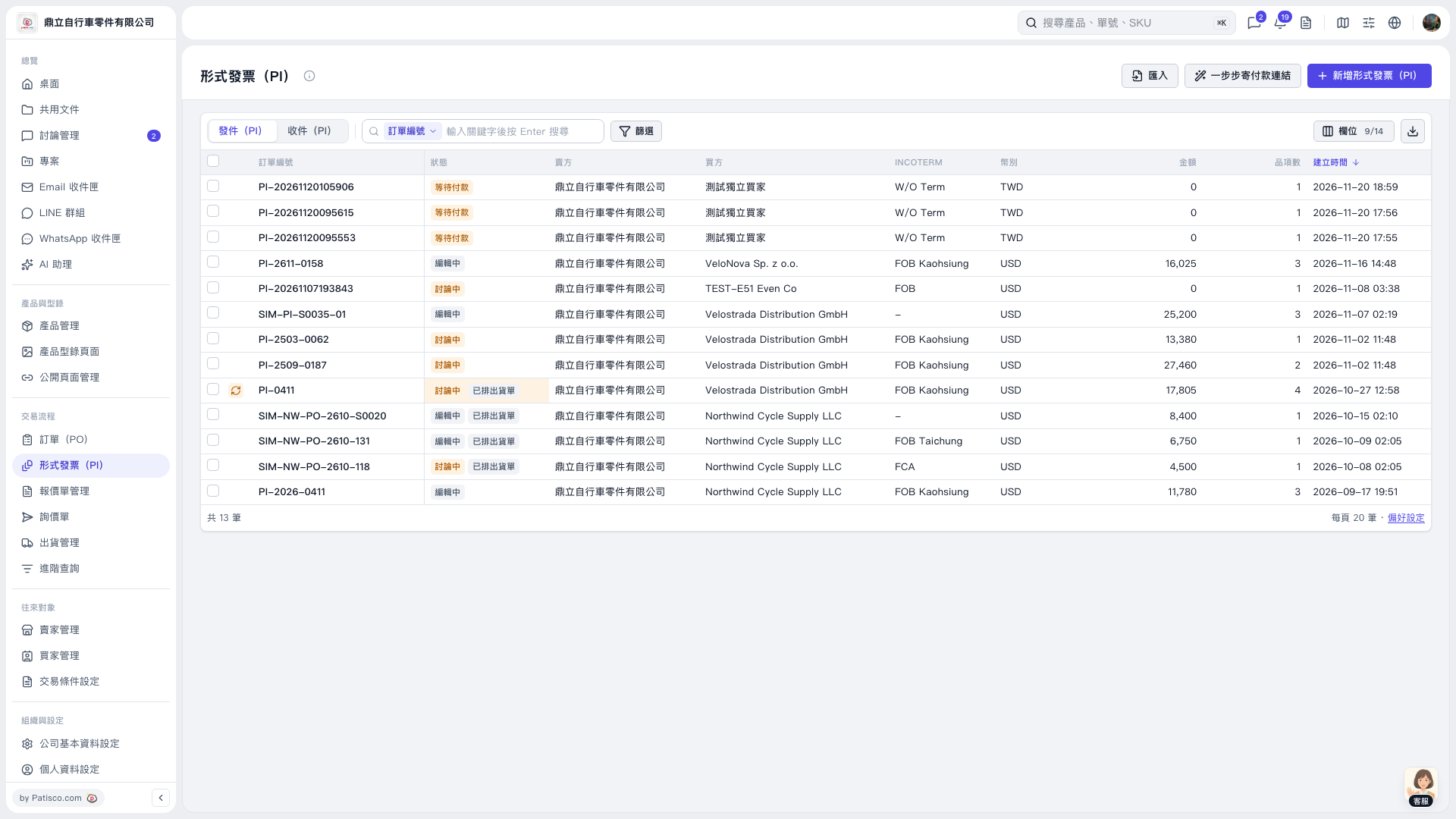
No. The last step of this wizard is called "Get link". The system doesn't send an email for you and doesn't notify the other party, so you need to send the link to the buyer yourself. 1. On the [Proforma Invoice (PI)] page, click [Send a payment link step by step]. 2. Select the buyer and the PI you want to collect payment for (the list shows statuses, such as "Awaiting payment"). 3. At the "Get link" step, click [Get payment link] to get the link. 4. Send the link to the buyer yourself by email or a messaging app. If the other party has a Patisco account, you can also ask them to go to the copy page of that PI and click [Pay online]. You can ask the AI assistant: "If I use Send a payment link step by step, will the system email the buyer for me?" The AI will answer: The system won't send an email for you or notify them. Patisco doesn't send emails and doesn't notify them.
 V5 新桌面版|形式發票(PI)