
1. In the left sidebar, click "Proforma Invoice (PI)" under "Trade Flow". 2. Make sure the "Sent (PI)" tab at the top is selected. This is where the PIs you issued yourself are. 3. Click [Send a payment link step by step] at the top right, between [Import] and [Add Proforma Invoice (PI)]. 4. Follow the wizard screens step by step to generate the payment link and send it to the buyer.
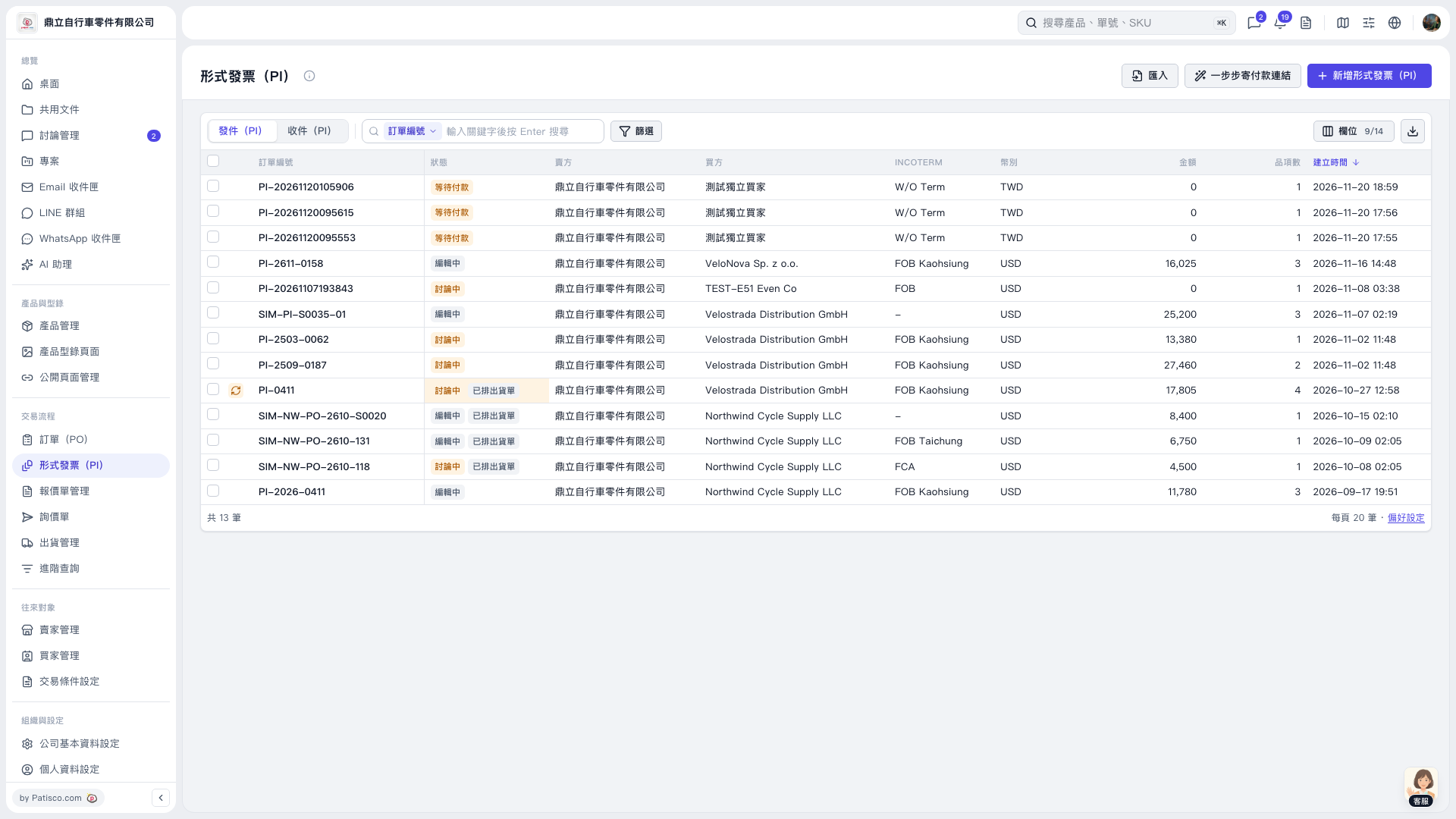 V5 新桌面版|形式發票(PI)