
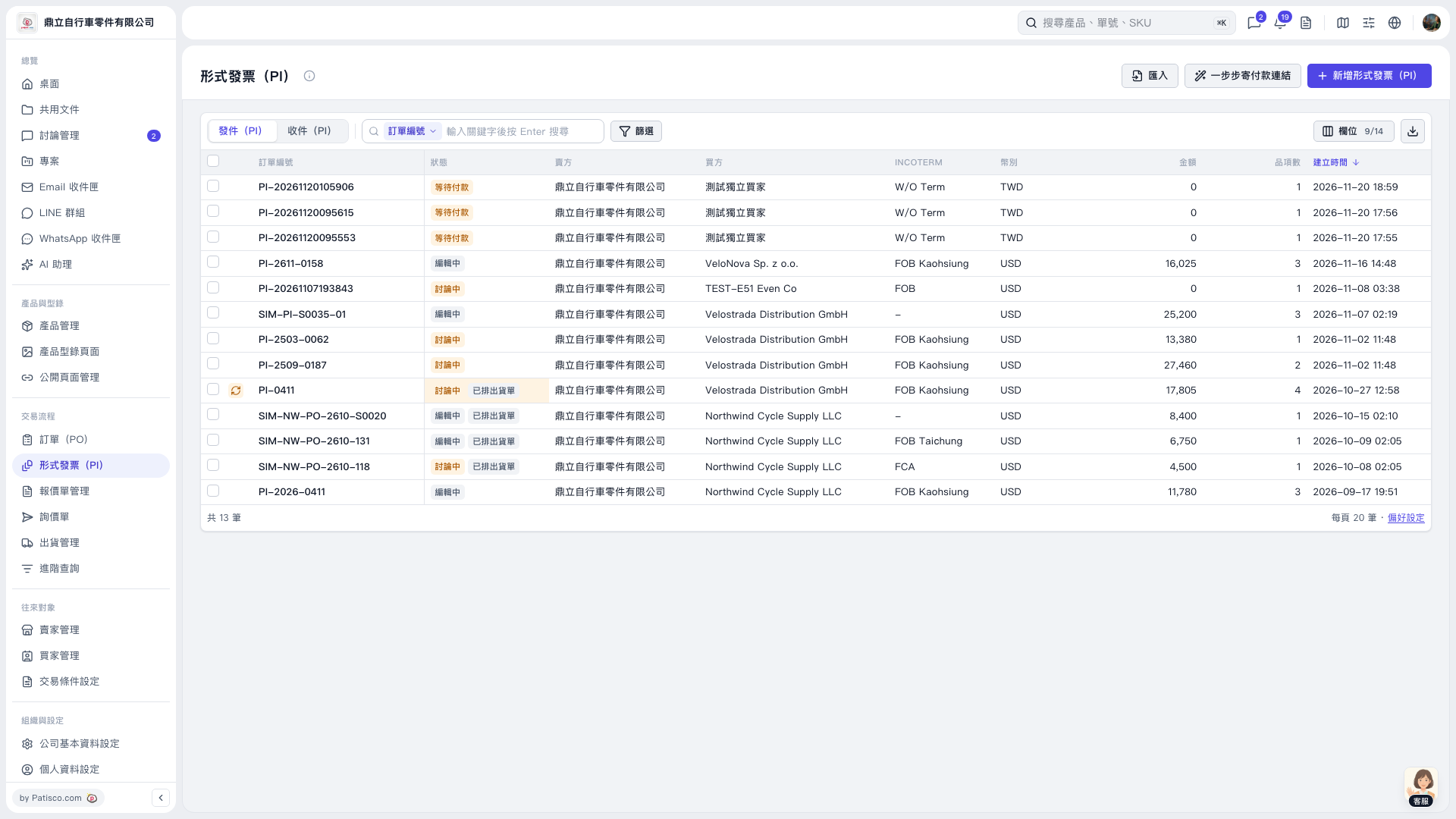
1. After you enter [Send a payment link step by step], the first step lists PIs, and each one shows its payment method and payment status. 2. A PI whose payment method is "No payment" is marked "Can't collect online" and can't be checked. For example, the list shows "No payment · Can't collect online". 3. A PI that can't collect payment online can't get a payment link, so if every PI in the list is like this, you can't get a link. 4. To send a payment link, choose a PI that can collect payment online instead.
 V5 新桌面版|形式發票(PI)