
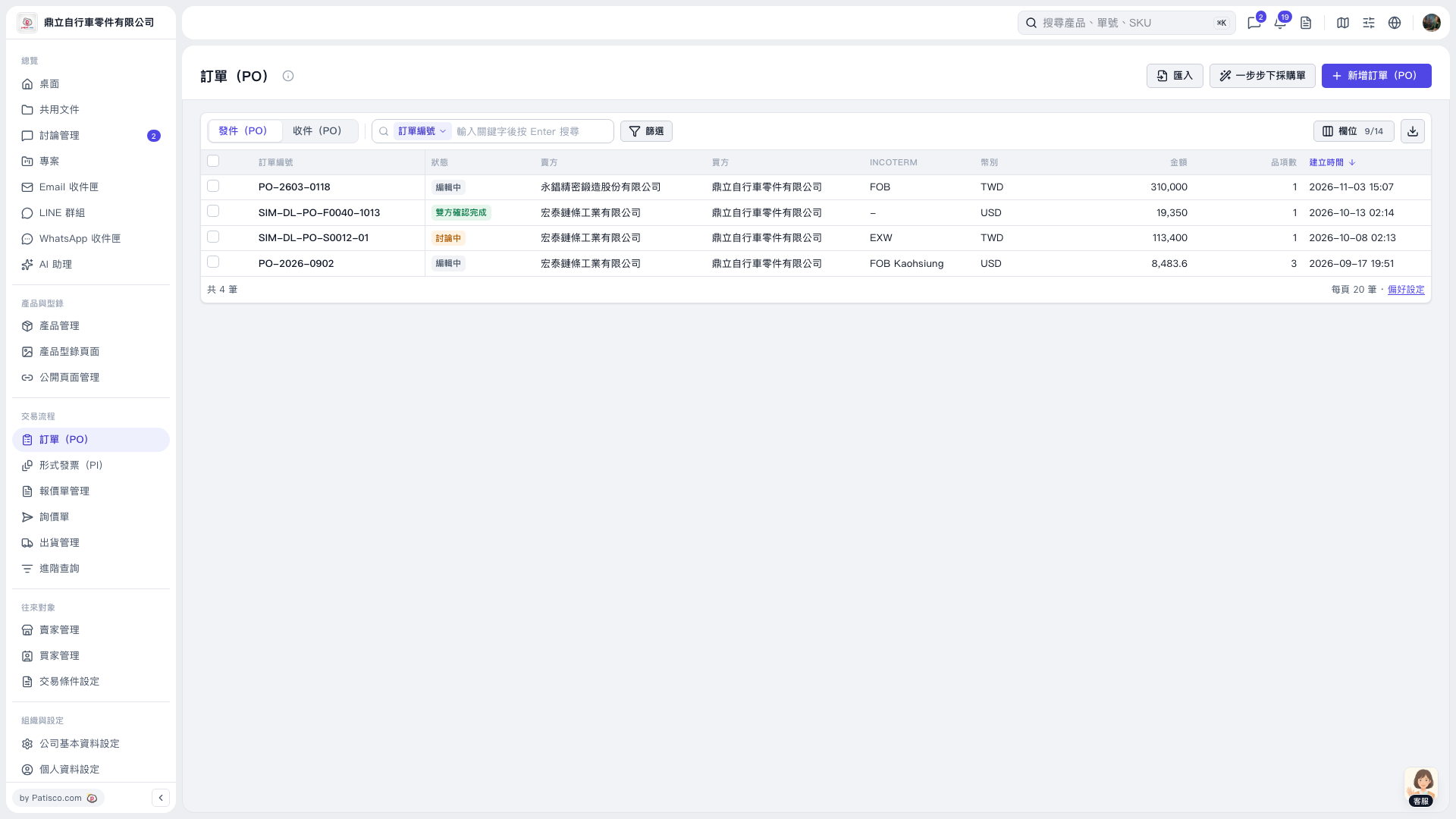
1. In the left sidebar, under "Trade Flow", click [Orders (PO)]. 2. Click [Place a PO step by step] at the top right (to the left of [New PO]) to create a PO with the guided wizard. If you would rather fill it in yourself, click [New PO] instead. 3. In the wizard, choose a service type (for example, "Patisco Full Service"), then follow the on-screen steps and click [Next] after completing each one. You can ask the AI assistant: "What payment method does this seller offer me? How will Step 3 work?" The AI will answer like this: if the seller offers online payment (PAYUNi), Step 3 is [Checkout (online payment)]. The seller side creates a PI directly and opens the payment page in a new tab, without a PO being created first. Step 4 is "Payment".
 V5 新桌面版|訂單(PO)