
1. In the “Registered Passkeys” section of the “Personal Profile Settings – Passkey” window, tap [⋮] to the right of the Passkey you want to delete, then tap the red [Delete] option. 2. A confirmation dialog will ask whether you want to delete this Passkey. After confirming your choice, tap [Delete]. 3. Once the Passkey has been deleted, a message will confirm the deletion and inform you that other devices logged in using this Passkey have been logged out. If no registered Passkeys remain, the section will display “No Passkeys yet”. 4. Tap [Done] in the upper-right corner to close the window.
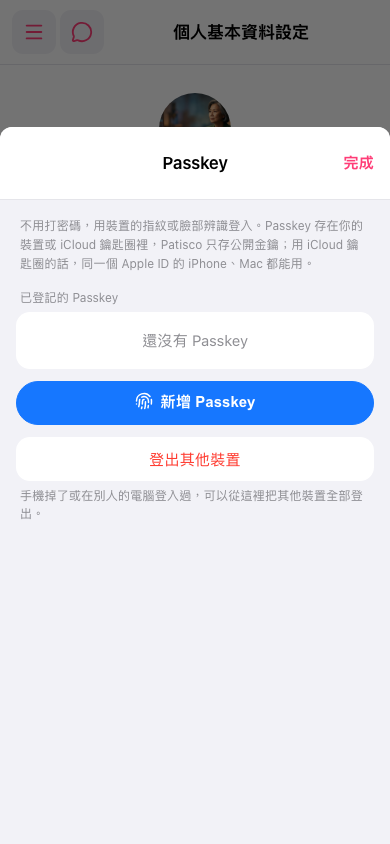 手機版|個人基本資料設定-Passkey