
1. Click the category labels on the left side of the "Product Catalog" to filter products by criteria such as "Brand", "Public Display Requirements", and "Sales Method Requirements". 2. To limit the price range, enter the minimum and maximum prices under "Price Range", then click "Apply". 3. Select "Product Name" as the search criterion above the list, enter a keyword, and press Enter to search. 4. Use "Creation Date" and "Descending" to adjust the product sort order.
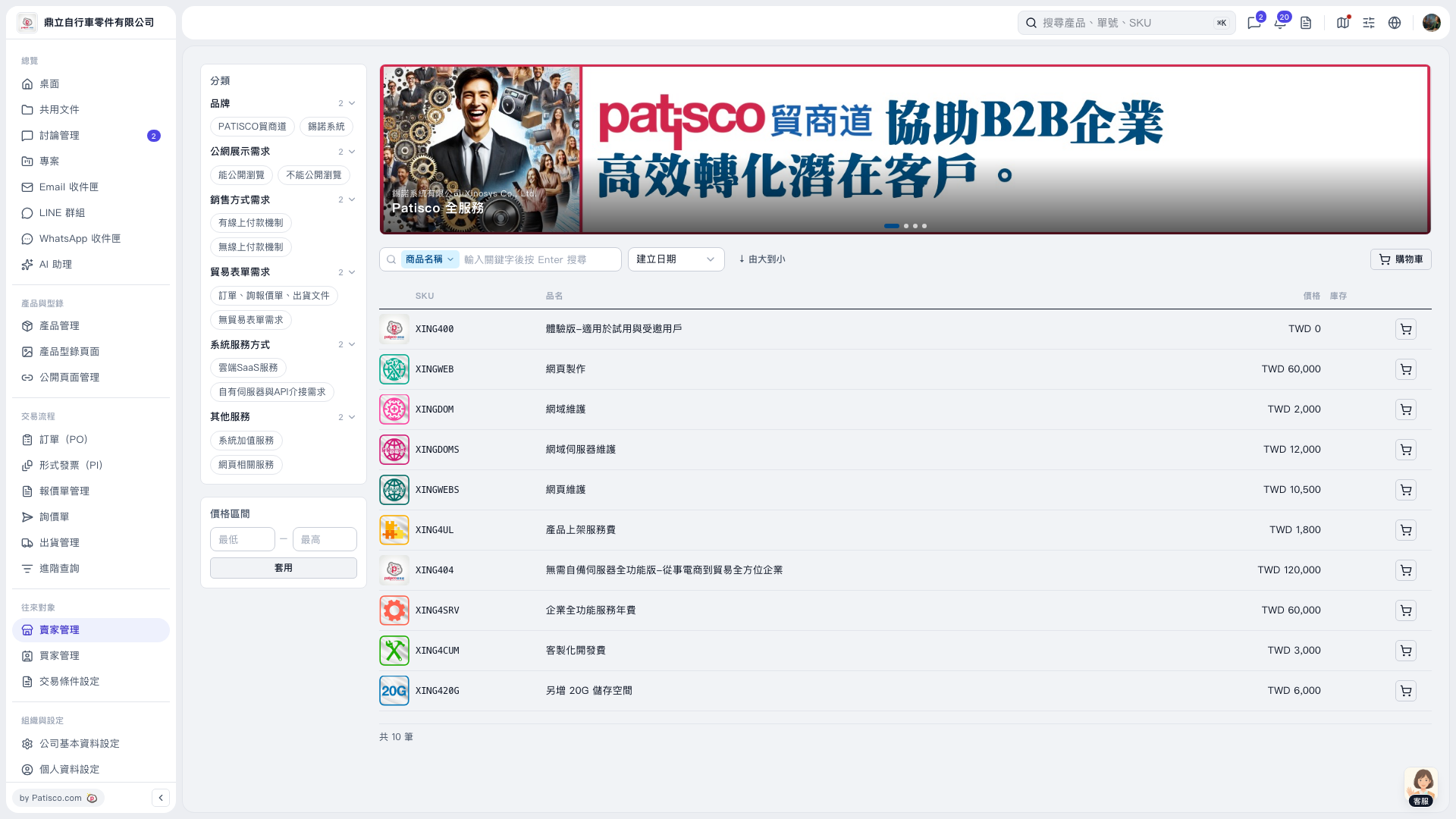 V5 新桌面版|產品型錄