
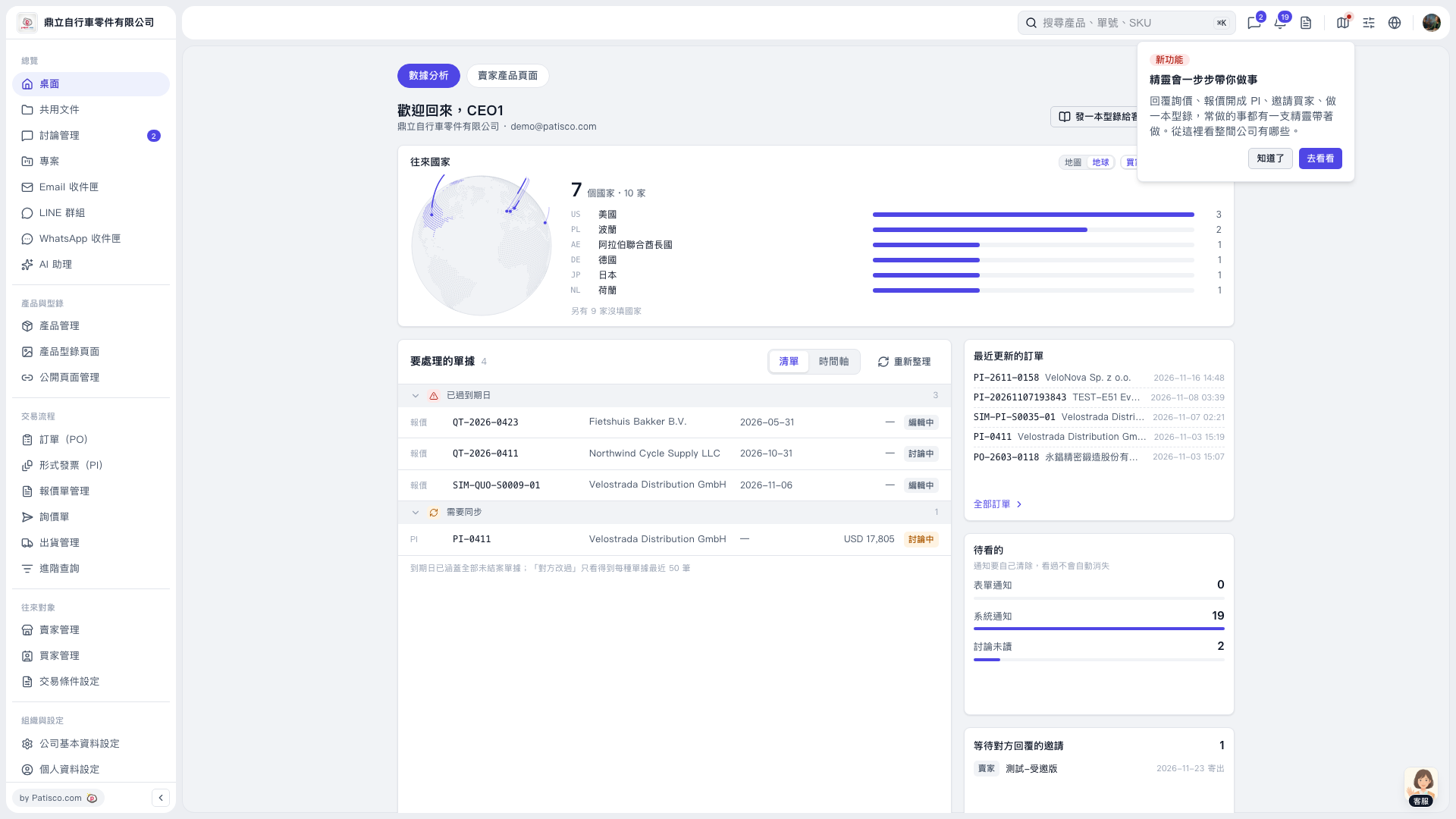
1. In "Documents to Process" in the center of the desktop, find pending items under "Overdue" or "Needs Synchronization". 2. Check the document number, trading partner, due date, amount, and status. Click the "Document Number" to open the corresponding document. 3. After returning to the desktop, click "Refresh" to update the list. You can also switch views using "List/Timeline".
 V5 新桌面版|歡迎回來,CEO1