
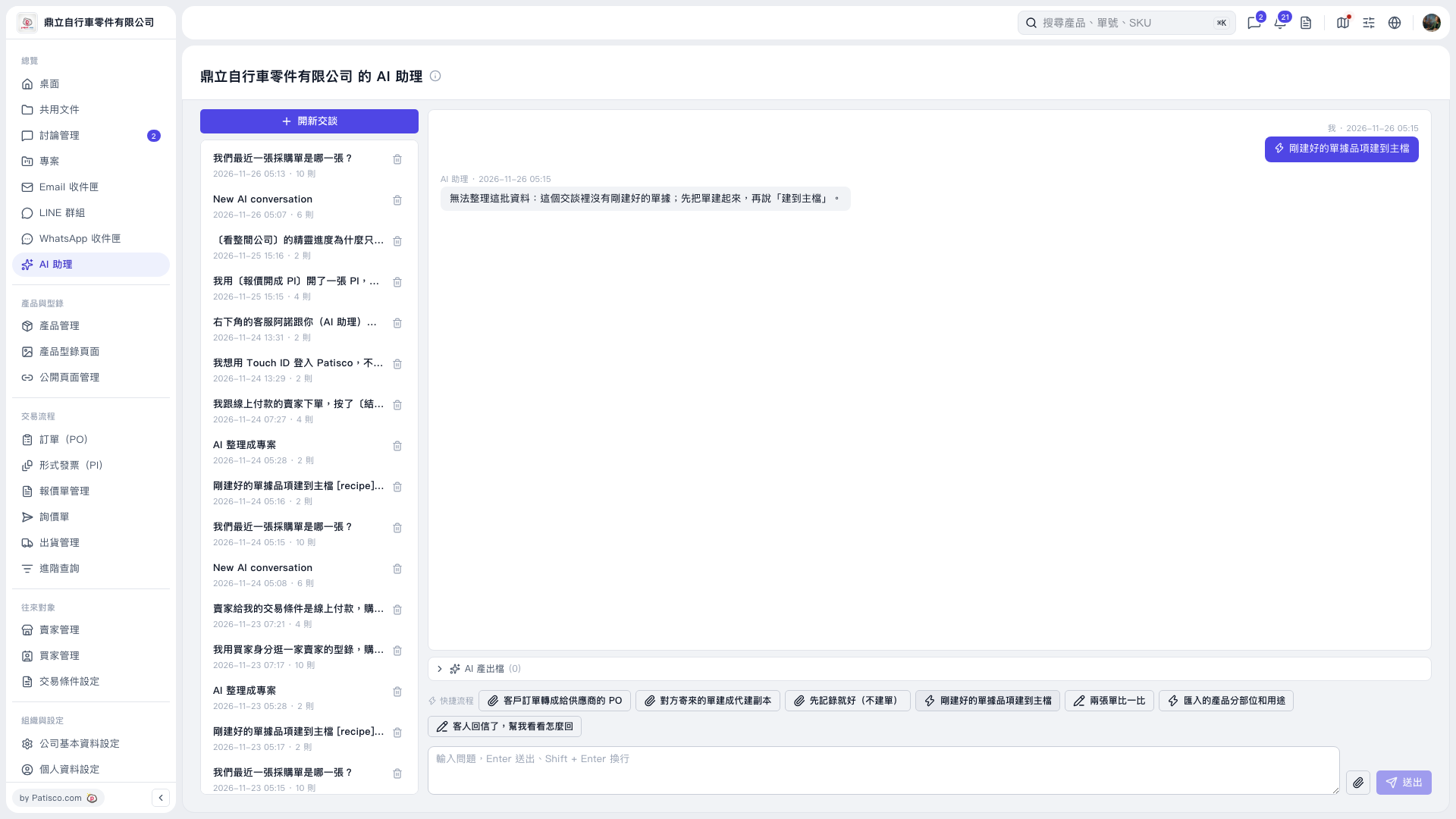
1. Select a conversation from “Conversation History” on the left side of the AI assistant, and first finish creating the document in that conversation. 2. Click “Add items from the newly created document to the product master” below the conversation area to send the request to the AI. 3. Review the AI’s response and follow the prompts to provide additional information or take further action. If you need to add details, enter them in the message input box, then press Enter or click “Send.” 4. You can ask: “Please add the items from the newly created document to the product master.” If no document has just been created in the conversation, the AI will respond: “There is no newly created document in this conversation. Create the document first, then say ‘Add it to the product master.’”
 V5 新桌面版|鼎立自行車零件有限公司 的 AI 助理