
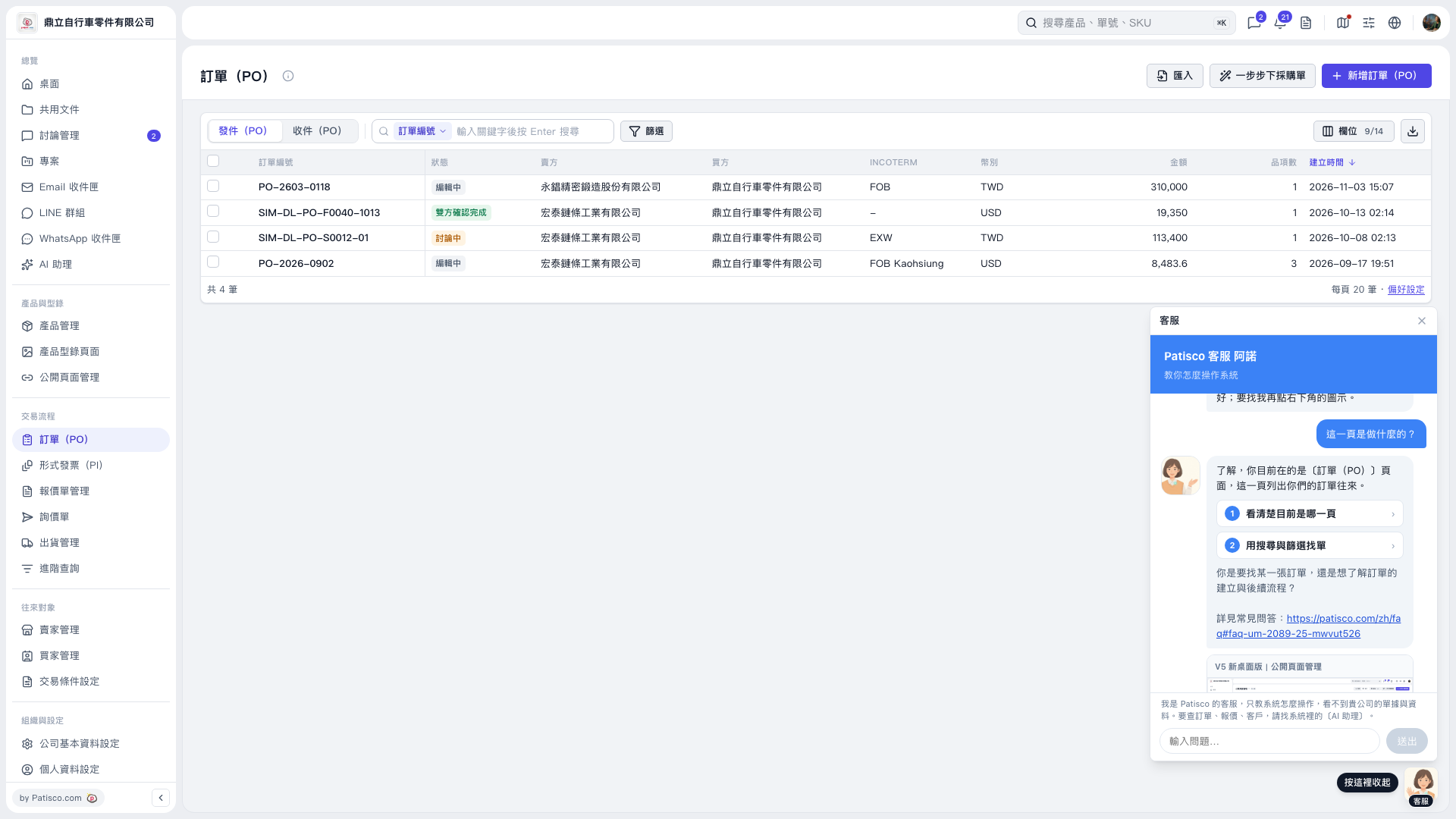
1. In the upper-left corner of the “PO” page, select “Sent (PO)” or “Received (PO).” 2. Select a search field in the search bar, such as “PO Number,” enter a keyword, and press Enter. You can also click “Filter” to narrow the results. 3. Click a PO number in the list to view its details. 4. You can ask the AI: “What can I do on the PO page?” The AI will respond: “This page lists the POs exchanged by your company. You can use search and filters to find a PO.”
 V5 新桌面版|訂單(PO)