
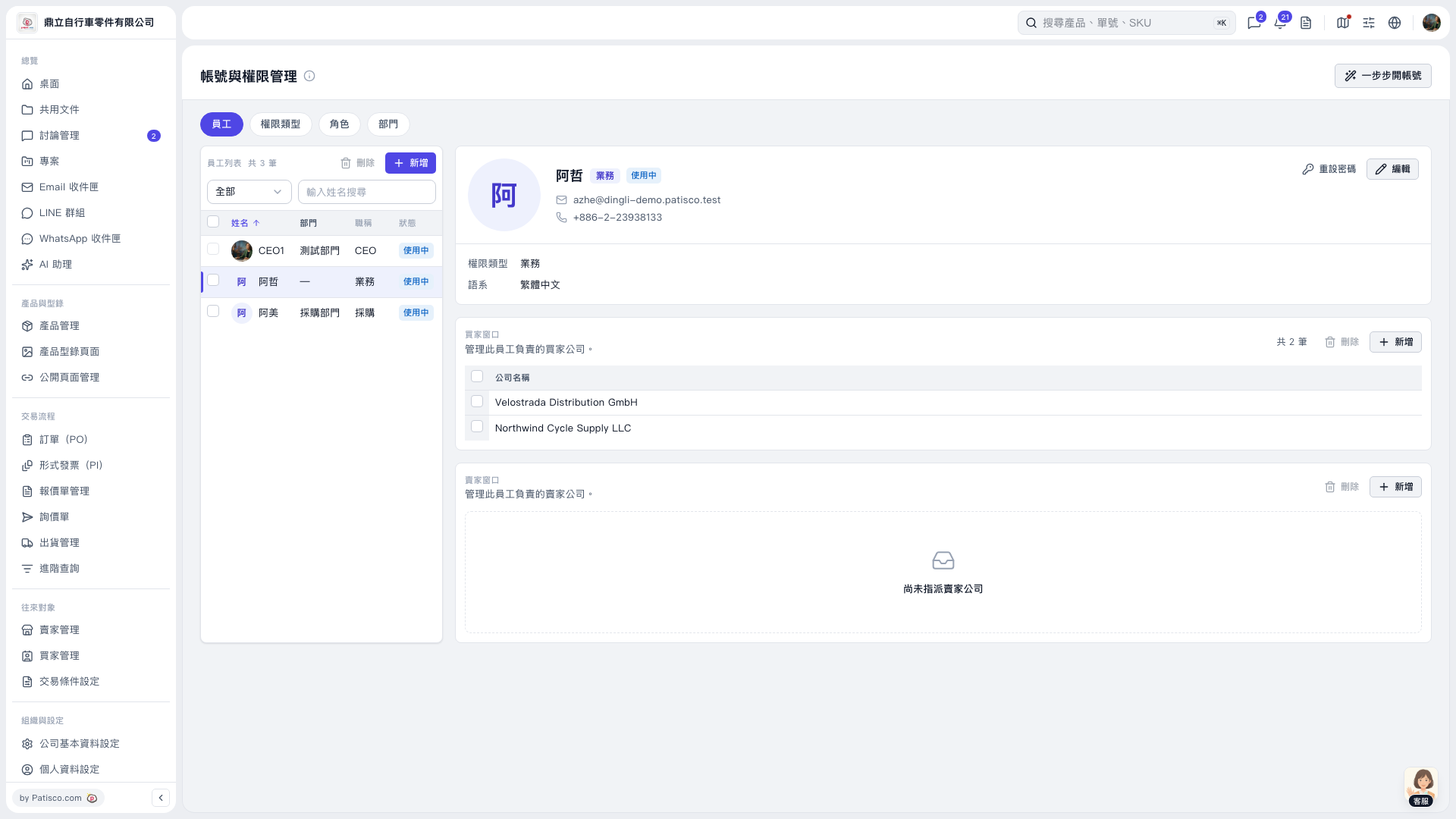
1. On the “Employees” tab in “Account and Permission Management,” search for and click the employee you want to assign. 2. Click “Add” in the “Buyer Contacts” or “Seller Contacts” section. 3. Select a company marked “Not Invited” and complete the addition. Once “Added” appears, the company will be listed in the corresponding contact list. 4. After the assignment, the employee can view the company and its documents on the corresponding Buyer Management or Seller Management page.
 V5 新桌面版|帳號與權限管理