
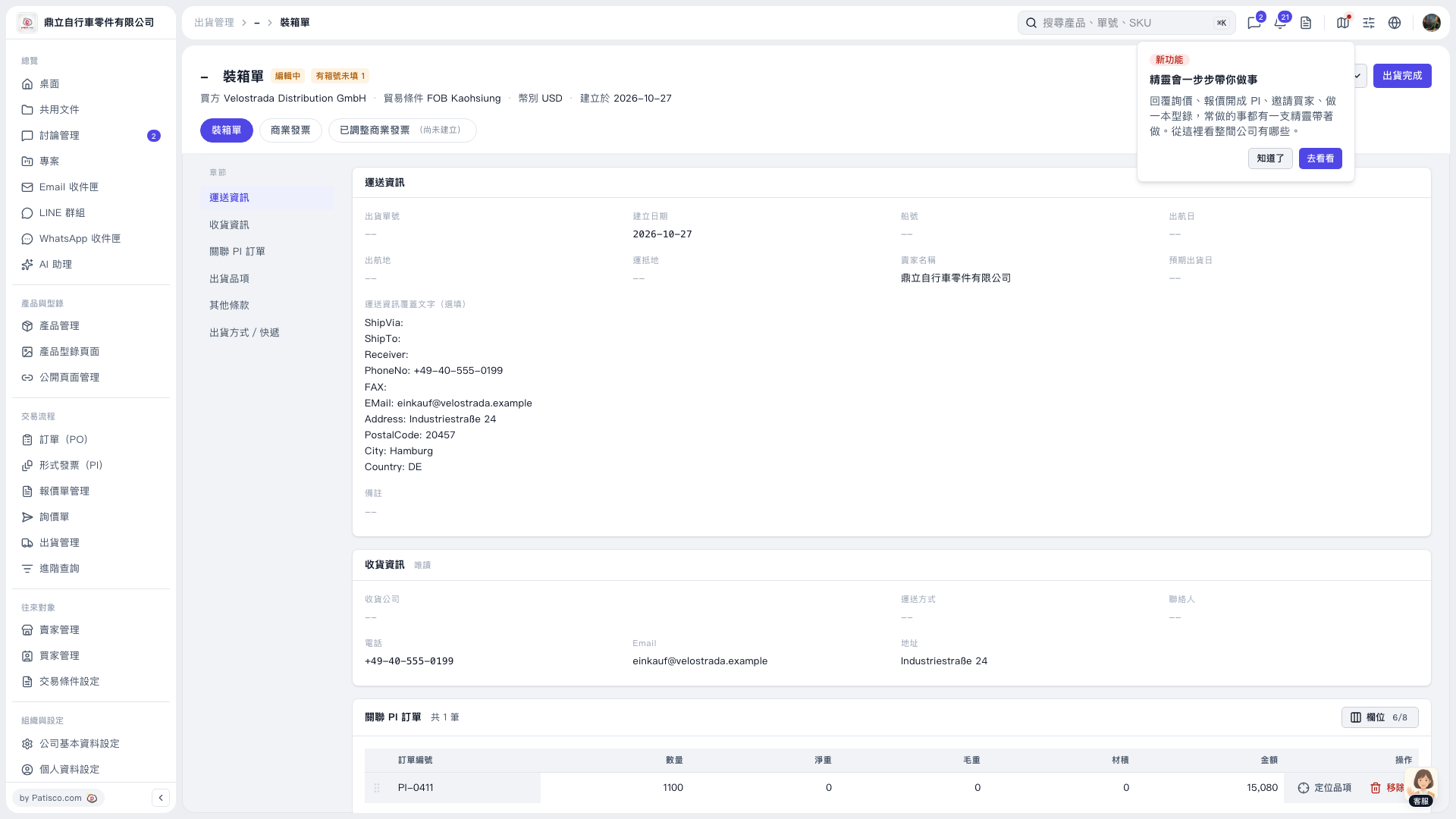
1. On the “Packing List” page, click “Linked PI POs” on the left. 2. Find the PO you want to check and click “Locate Items” on the right side of that row to jump to the corresponding shipment items. 3. You can also click “Shipment Items” on the left to view the shipment items on the packing list.
 V5 新桌面版|裝箱單