
1. On the “Packing List” tab, check “Shipping Information” and “Recipient Information” to confirm the shipment and recipient details. 2. Check “Linked PI POs.” To view the shipment items corresponding to a PO, click “Locate Items” in that row. 3. Use the section navigation on the left to check “Shipment Items,” “Other Terms,” and “Shipping Method / Courier.” 4. After confirming that the information is complete, click “Complete Shipment” in the upper-right corner. If a new feature tip blocks the action, click “Got It” to close it first.
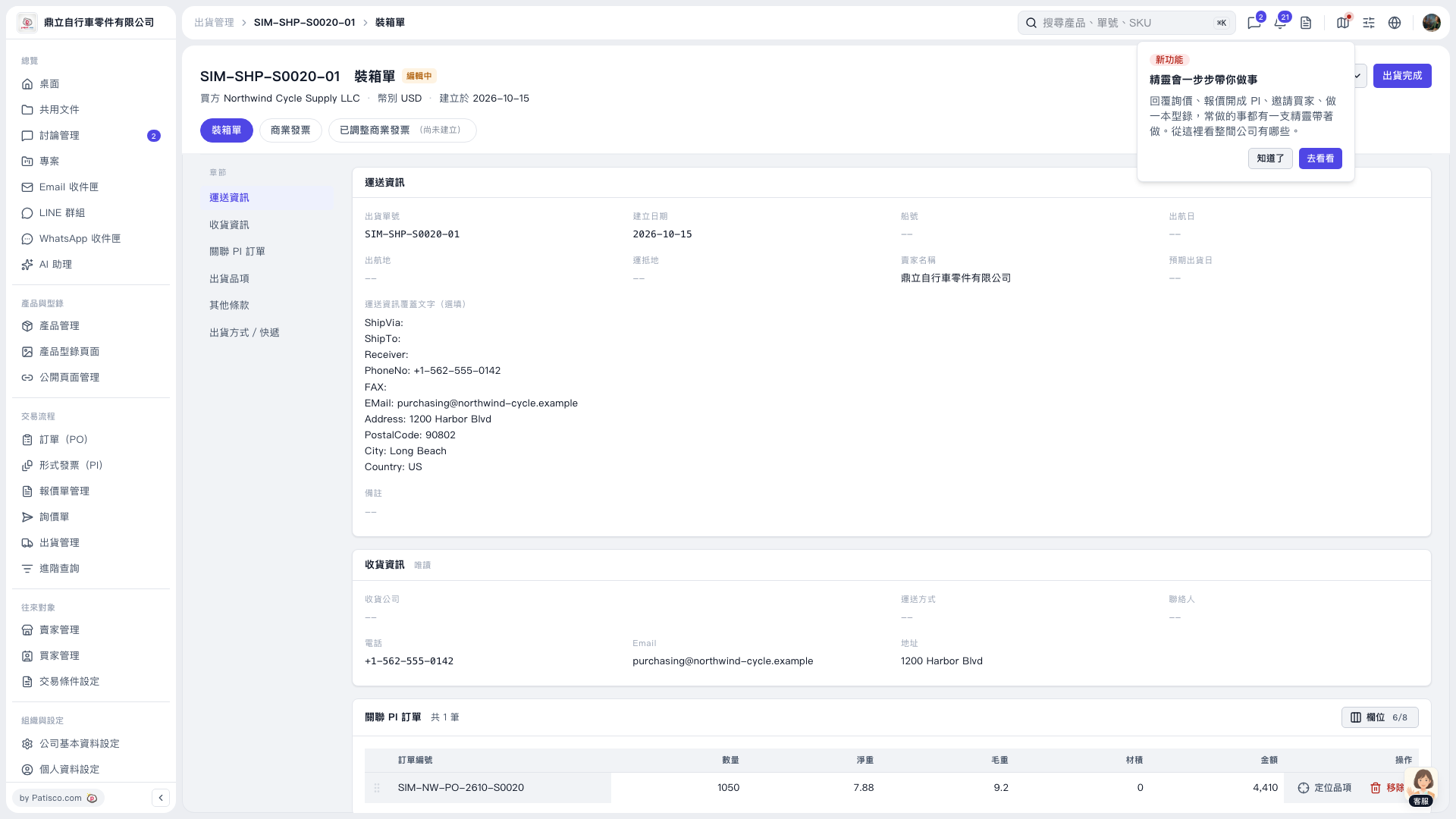 V5 新桌面版|SIM–SHP–S0020–01 裝箱單