
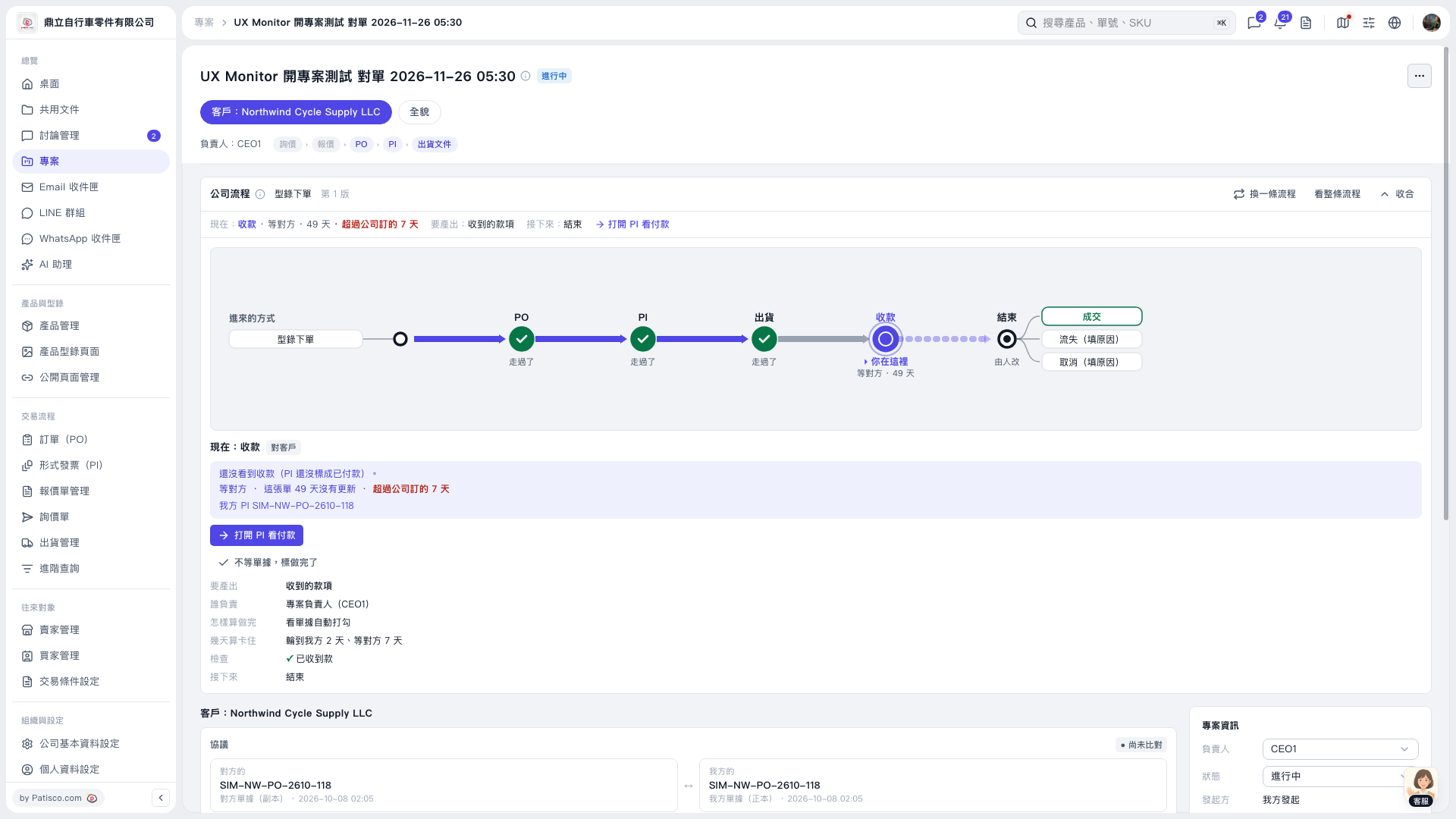
1. Below the payment collection instructions on the project page, click "Mark as Complete Without Waiting for the Document" to manually mark the current payment collection step as complete. 2. After payment collection is complete, select "Won", "Lost (Enter Reason)", or "Canceled (Enter Reason)" at the end of the workflow based on the actual outcome. A reason is required when selecting Lost or Canceled.
 V5 新桌面版|UX Monitor 開專案測試 對單 2026–11–26 05:30