
1. On the "Projects" page, enter a keyword in the "Search Project Name or Document Number" field and click "Search". 2. To narrow the results further, click "Filter" and set the criteria. 3. Find the project you want to view, then click "Open" at the far right of its row to view the project details. 4. If the new-feature notice in the upper-right area interferes with your work, click "Got It" to close it.
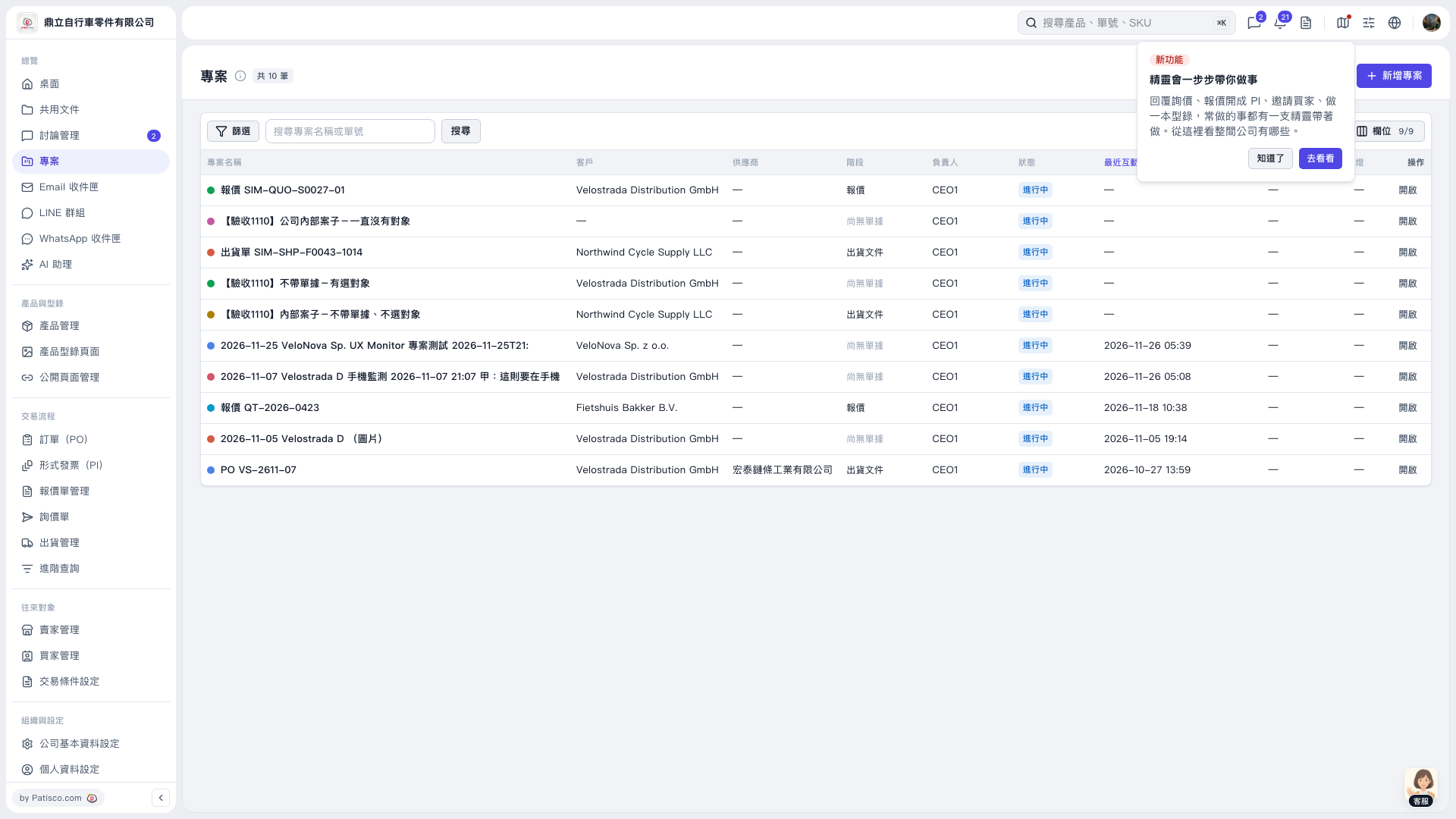 V5 新桌面版|專案