
1. Find the project you want to delete in the "Projects" list and click [Open] on the right side of its row. You can also enter the project name or document number and click [Search] to find it. 2. On the project page, click [⋯] (More actions) in the upper-right corner and select [Delete project]. 3. Click [Delete project] in the confirmation dialog to complete the deletion.
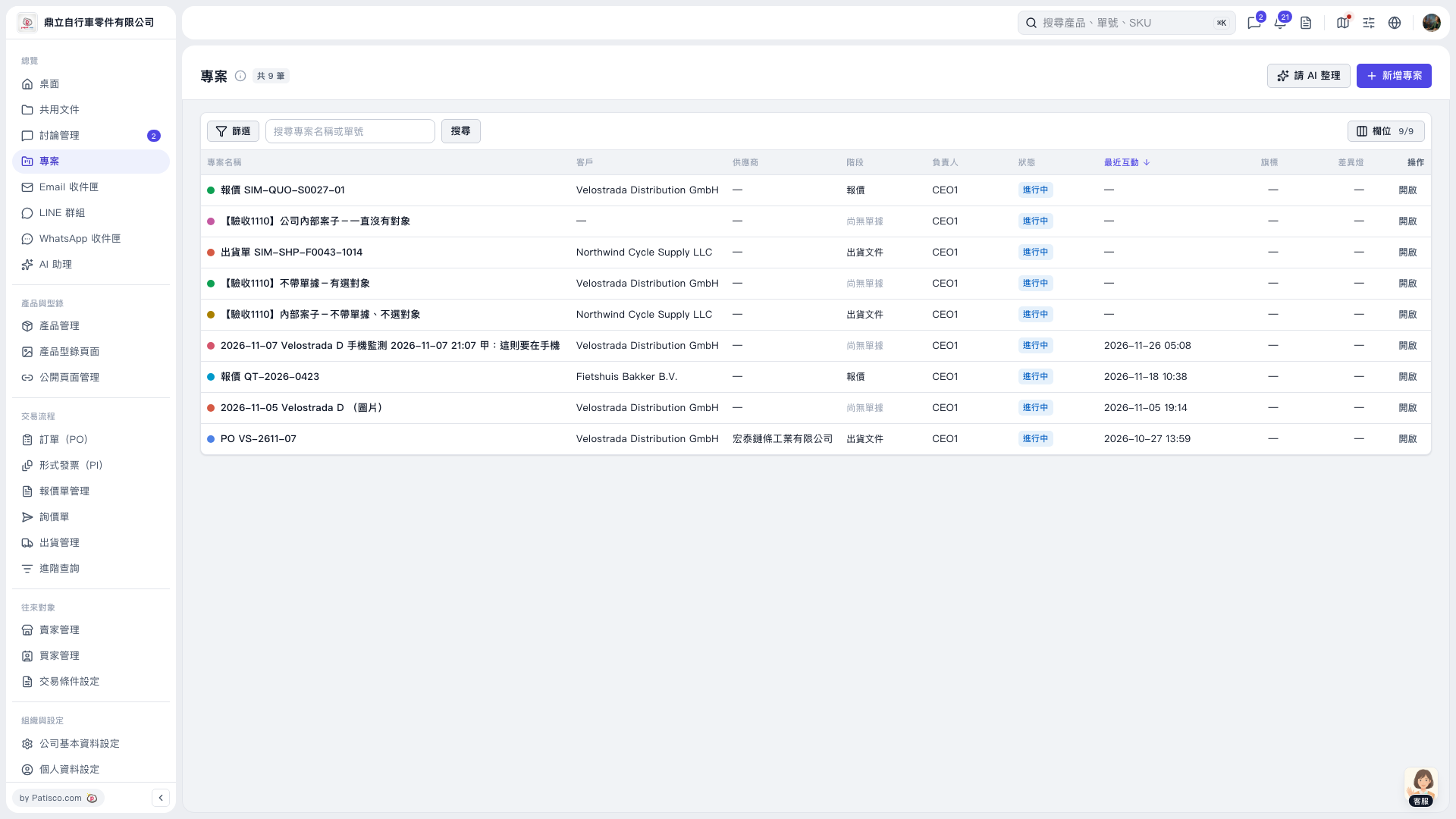 V5 新桌面版|專案