
1. On the desktop's "Analytics" tab, find the "Documents to process" section. 2. Check pending tasks under "Past due" or "Needs synchronization". Use "List / Timeline" to switch the display format. 3. Click "Refresh" to update the data, then click the "Document number" of the document you want to process to view its contents.
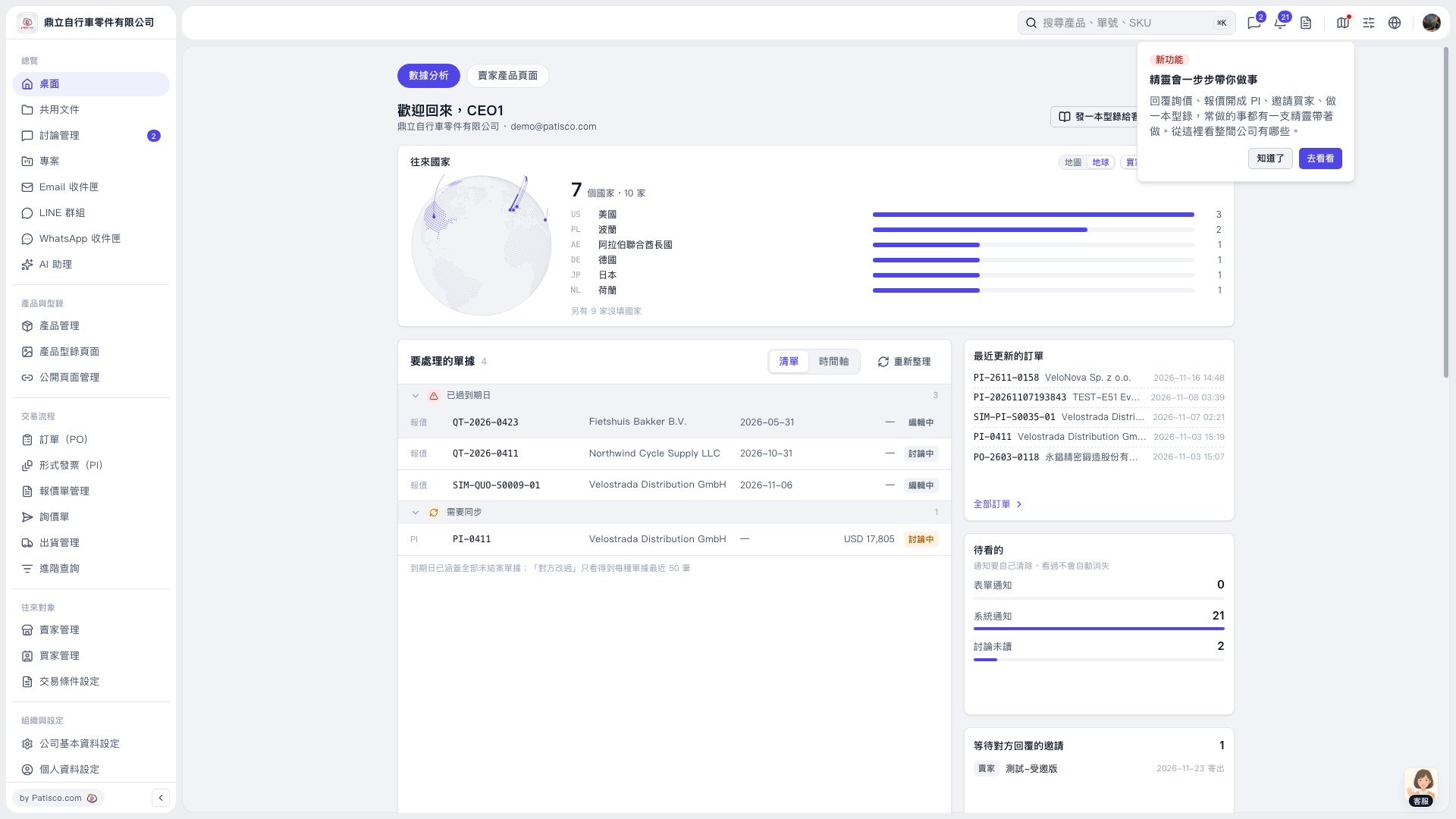 V5 新桌面版|歡迎回來,CEO1