1. Find the "Recently updated POs" section on the desktop. 2. Click the document you want to view to open its PO contents. 3. To view the full PO list, click "All POs".
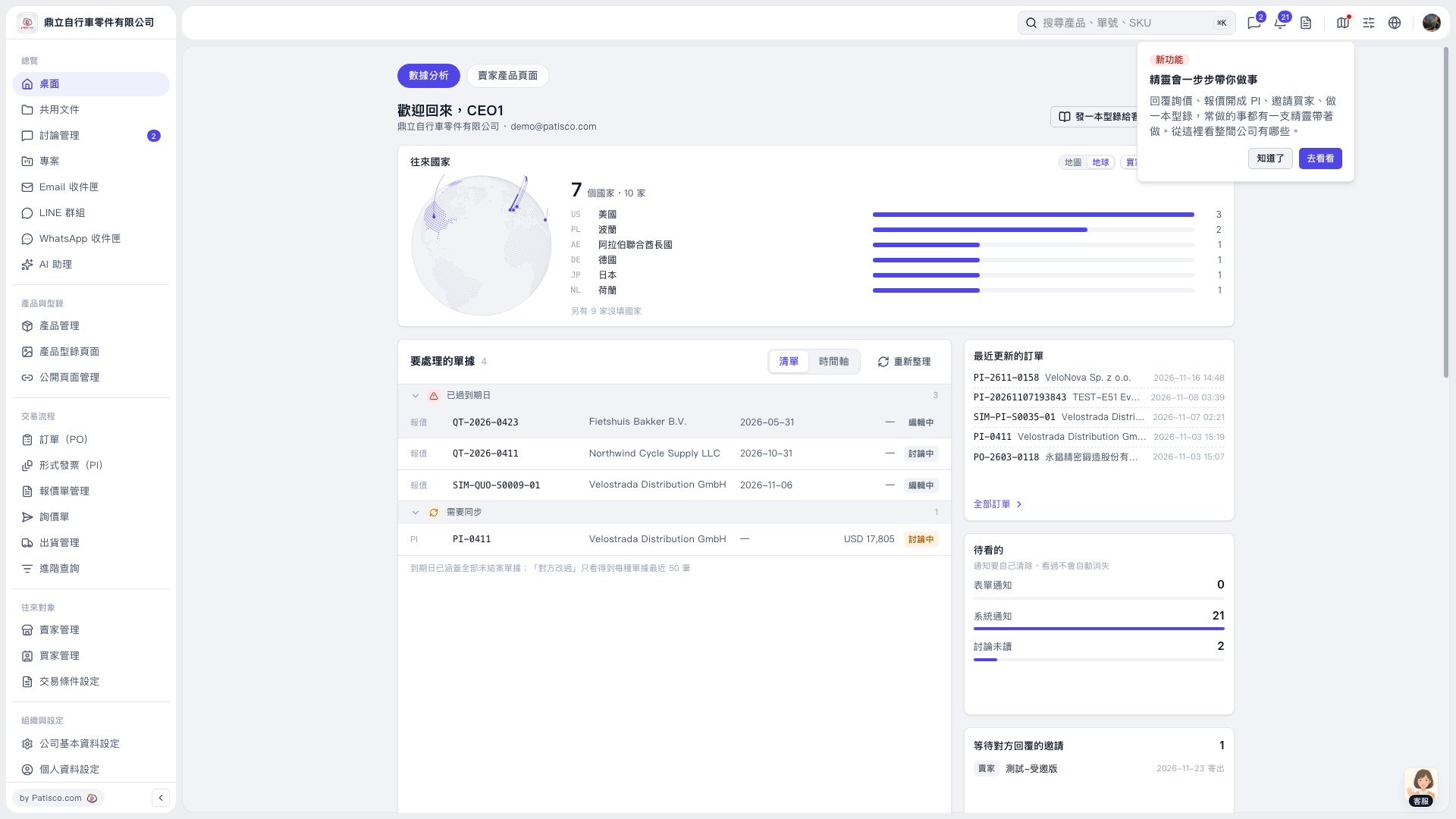 V5 新桌面版|歡迎回來,CEO1

1. Find the "Recently updated POs" section on the desktop. 2. Click the document you want to view to open its PO contents. 3. To view the full PO list, click "All POs".
V5 新桌面版|歡迎回來,CEO1