
1. On the "Analytics" page, find the "Documents requiring attention" section to view documents that are "Past due" or "Need synchronization". 2. Check the "Document number", "Trading partner", "Due date", and "Document status" to identify the items that need attention. 3. Switch between "List / Timeline" to view the documents, or click "Refresh" to update the data. 4. To view all POs, click "All POs" at the bottom of the "Recently updated POs" section.
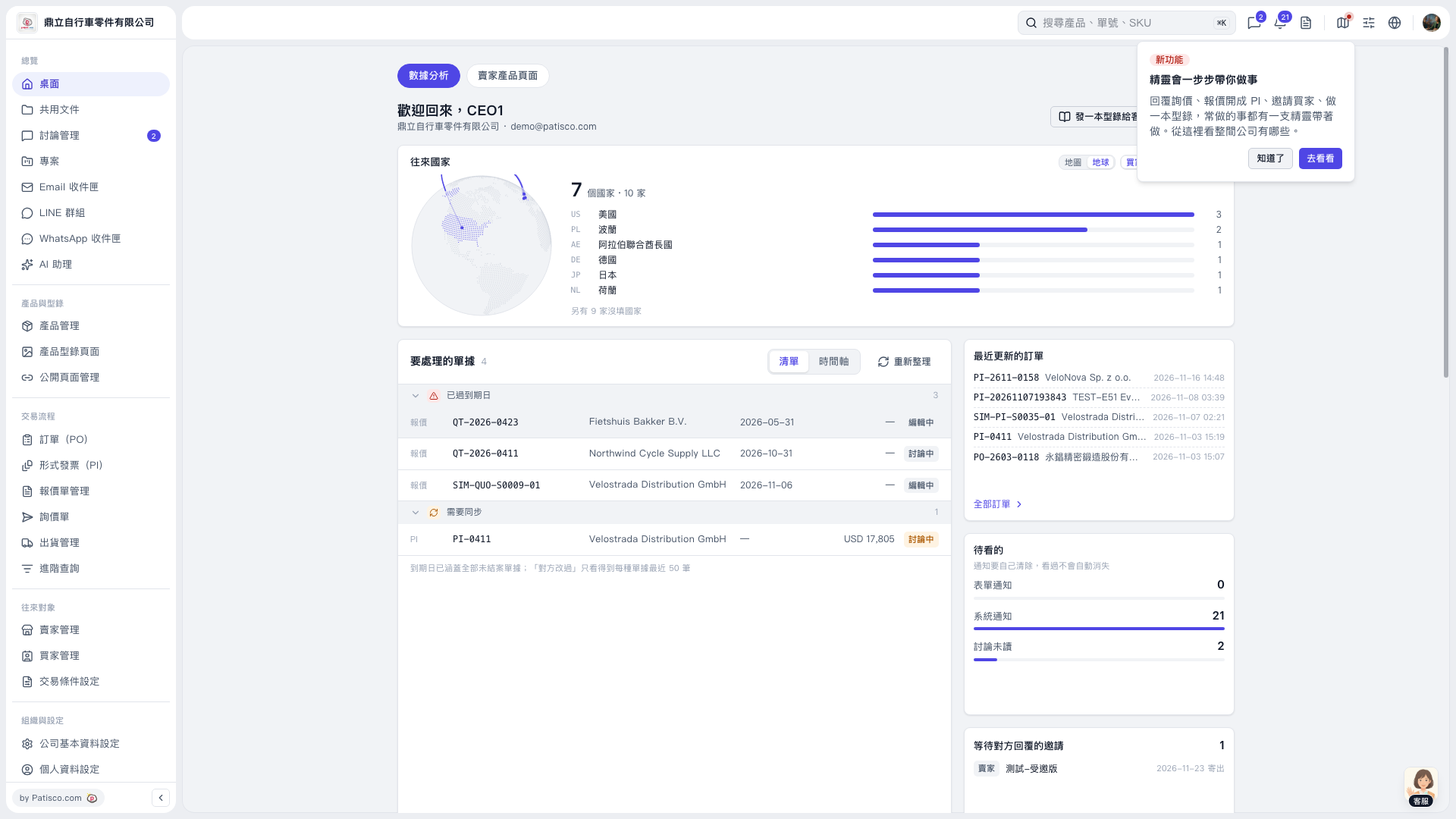 V5 新桌面版|桌面/數據分析