
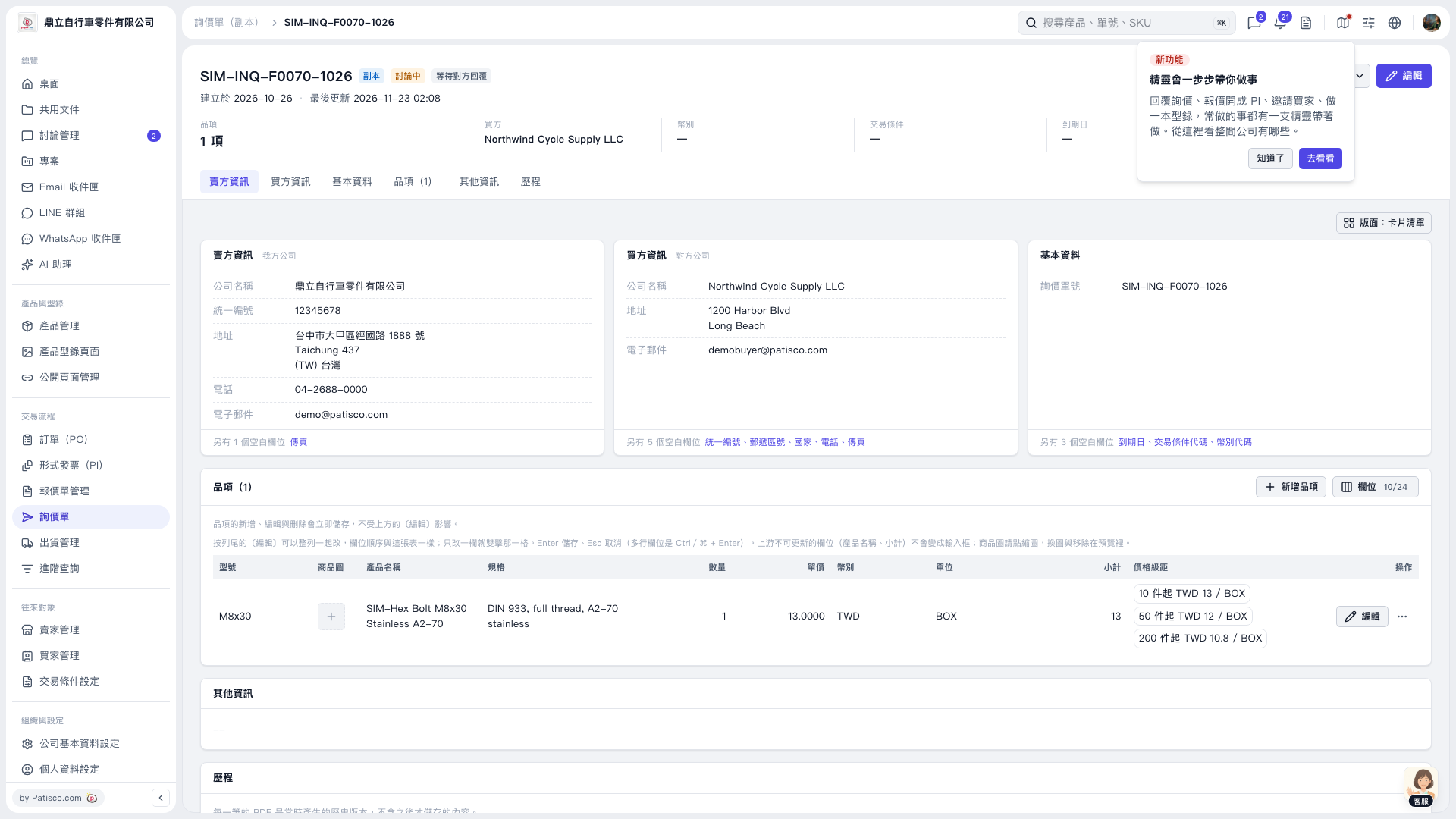
1. Open the inquiry you want to work on and check the inquiry number, status, and buyer at the top of the page. 2. In the items section, click "Add Item" to add a product, or click "Edit" on the right of an existing item to modify its details. 3. When editing, press Enter to save or Esc to cancel. For multiline fields, press Ctrl/⌘ + Enter to save. Items are saved immediately after they are added, edited, or deleted.
 V5 新桌面版|SIM–INQ–F0070–1026