
1. Review the tariff candidates and reasons provided by AI, select the suggestion you want to use, and click "Apply". 2. Check the values entered in "Tariff Code" and "Tariff Description", then click "Save" in the dialog to write them to the packing list. 3. If you close the dialog without clicking "Save", the applied values will not be retained, and the packing list will keep its original tariff data.
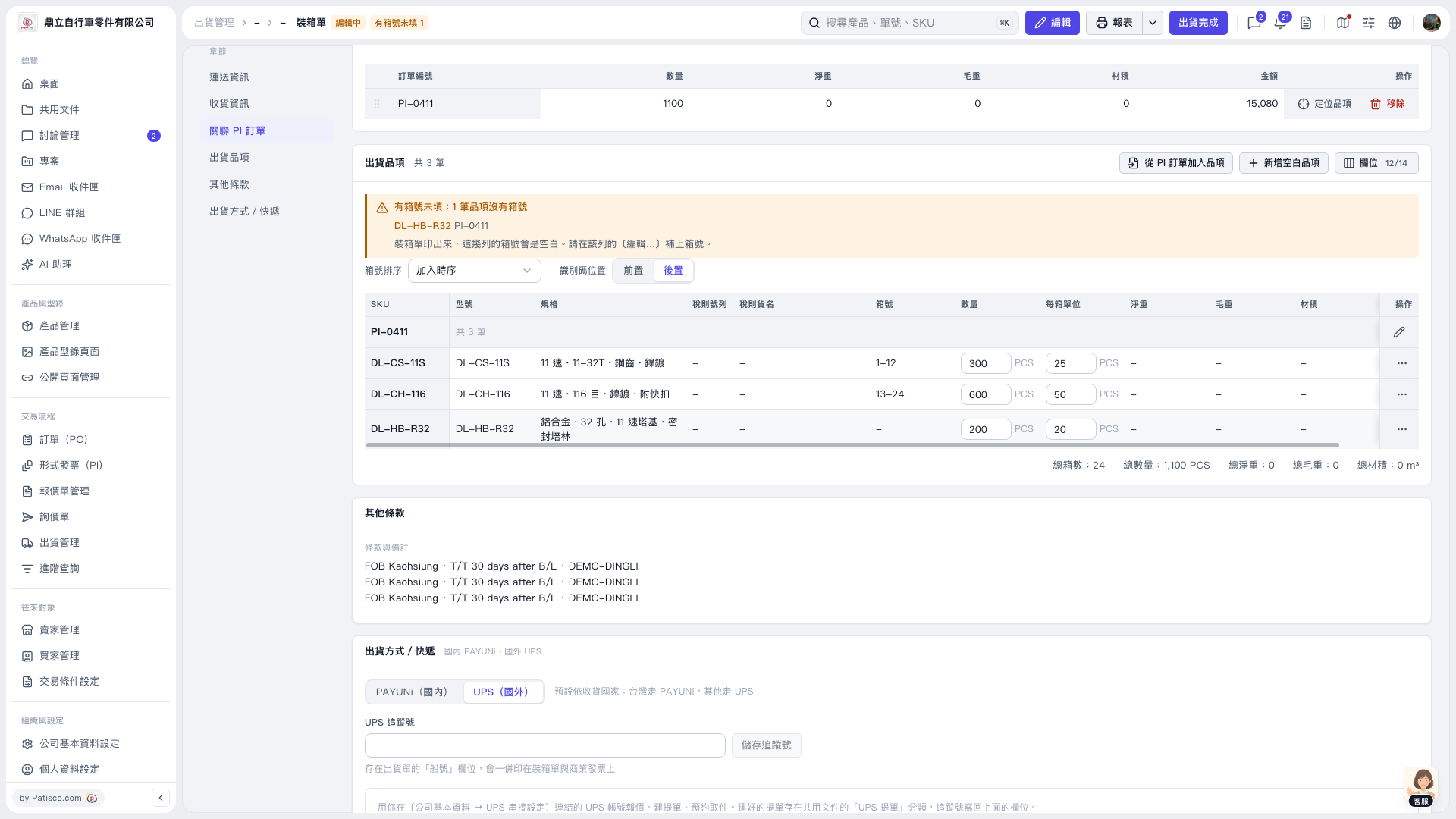 V5 新桌面版|裝箱單