
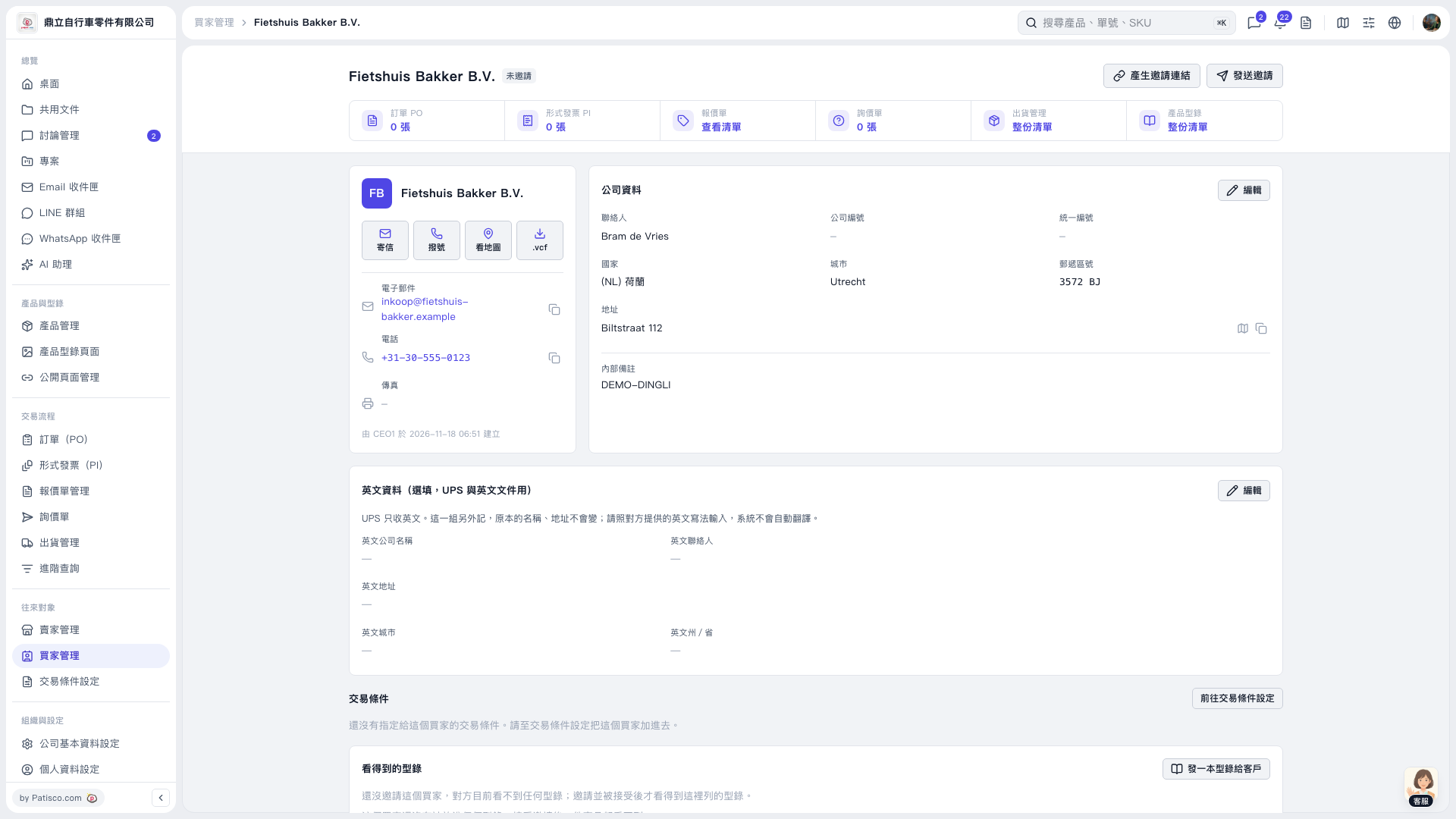
1. Click “Send Invitation” in the upper-right corner of the buyer details page, or click “Generate Invitation Link” to get an invitation link. 2. To provide a catalog, click “Send a Catalog to the Customer” in the upper-right corner of the “Visible Catalogs” section. 3. Buyers can view the catalogs listed in the “Visible Catalogs” section only after accepting the invitation.
 V5 新桌面版|Fietshuis Bakker B.V.