
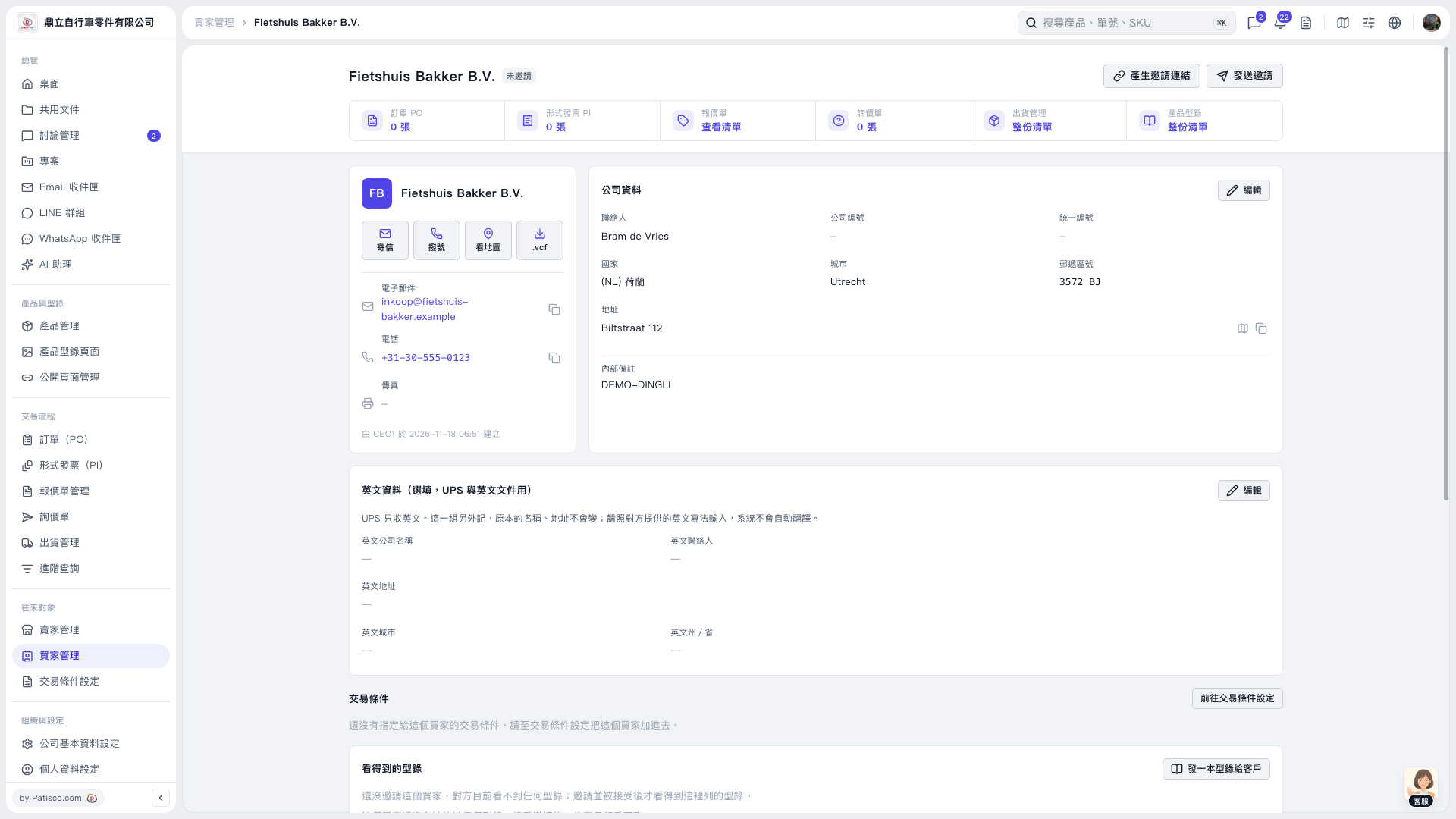
1. Check the buyer’s name and contact information on the buyer page, then click [Send Invitation] in the upper-right corner. 2. If the buyer has not been assigned trading conditions, no trading conditions or catalog will be preselected in the invitation dialog. Select one option in [Select Trading Conditions] and one in [Select Catalog] to enable [Send]. 3. Confirm your selections, then click [Send]. If you close the dialog by clicking [Cancel] without clicking [Send], the invitation will not be sent.
 V5 新桌面版|Fietshuis Bakker B.V.