
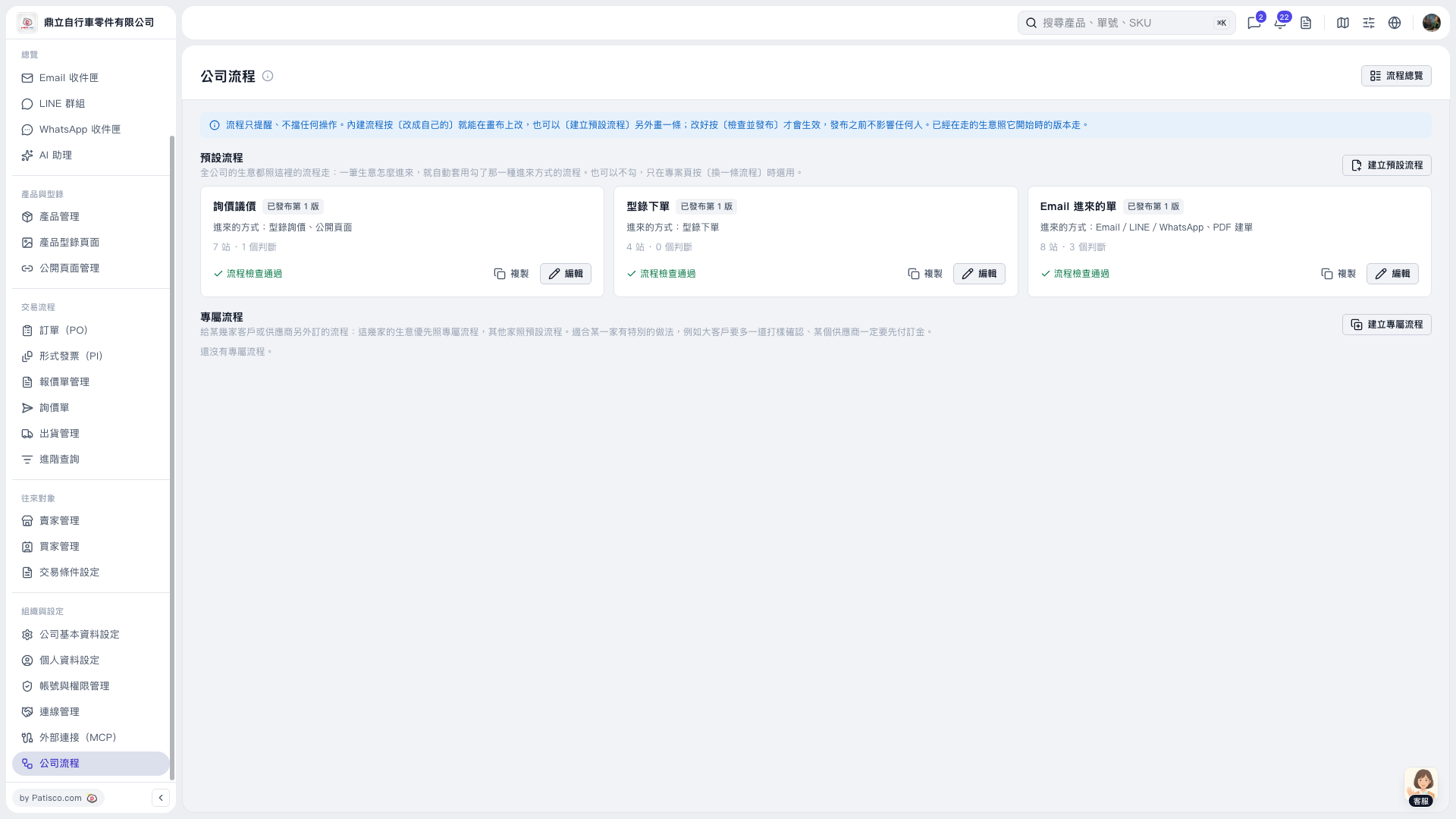
1. In the sidebar, go to [Organization & Settings] → [Company Workflows]. This page is visible only to the top-level administrator. 2. In the [Default Workflows] section, find the workflow you want to adjust by its [Entry Method], then click [Edit] in the lower right of its card. 3. Make your changes on the workflow canvas, then click [Check and Publish] for the new version to take effect. 4. Ongoing business continues to use the version that was in place when it started.
 V5 新桌面版|公司流程