
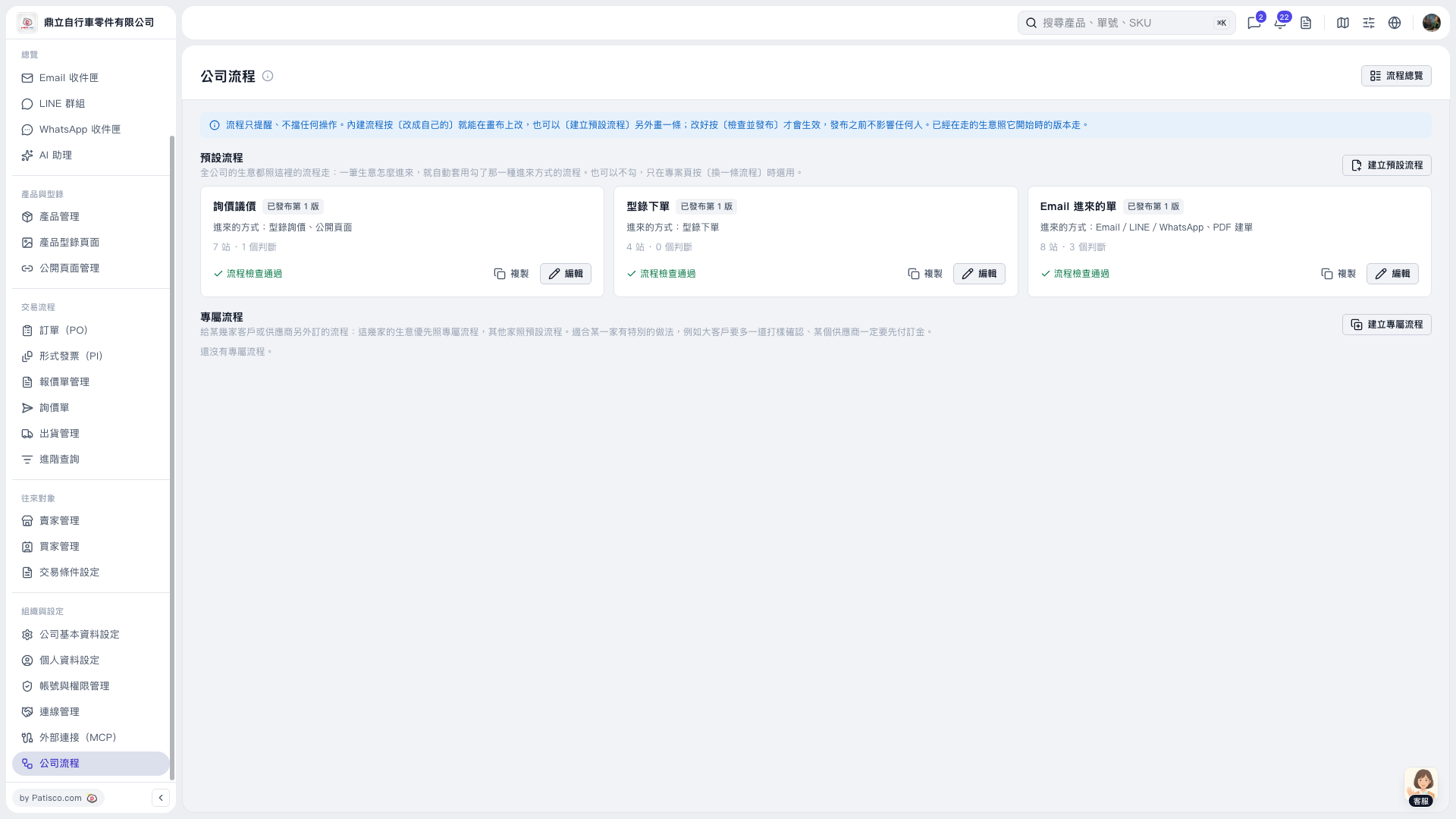
1. Go to [Organization & Settings] → [Company Workflows]. 2. To create a company-wide workflow that is applied automatically based on how a PO comes in, click [Create Default Workflow] in the [Default Workflows] section. You can also click [Duplicate] on an existing workflow card to use it as the starting point for another workflow. 3. To set up a separate workflow that takes priority for a specific customer or supplier, click [Create Dedicated Workflow] in the [Dedicated Workflows] section.
 V5 新桌面版|公司流程