
1. Find the “This project has not yet applied a company workflow” message at the top of the project page. 2. Click “Apply Workflow” on the right to open the “Apply Company Workflow” dialog. 3. Select the workflow and version to apply in the dialog. If you press Esc to close the dialog, no workflow will be applied.
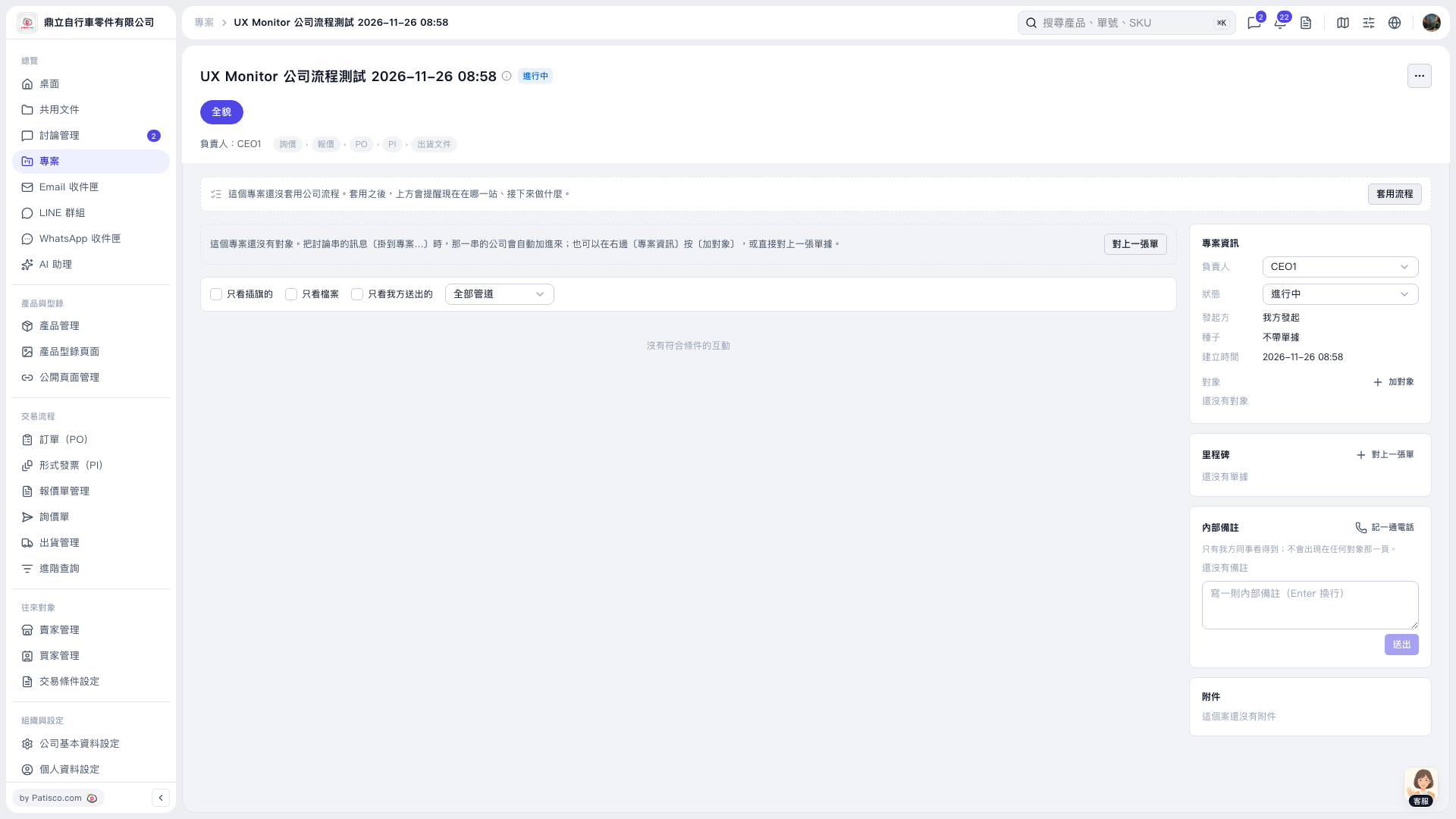 V5 新桌面版|UX Monitor 公司流程測試 2026-11-26 08:58