
1. In the Default Workflows section of Company Workflow, confirm the name and “Entry Methods” of the workflow you want to change, then click “Edit” at the bottom right of its workflow card. 2. Edit the workflow. Changes are initially saved as a draft. 3. When finished, click “Check and Publish” to activate the new workflow version. 4. New business started after publication will use the new workflow version. Business already in progress will continue to use the version in place when it started.
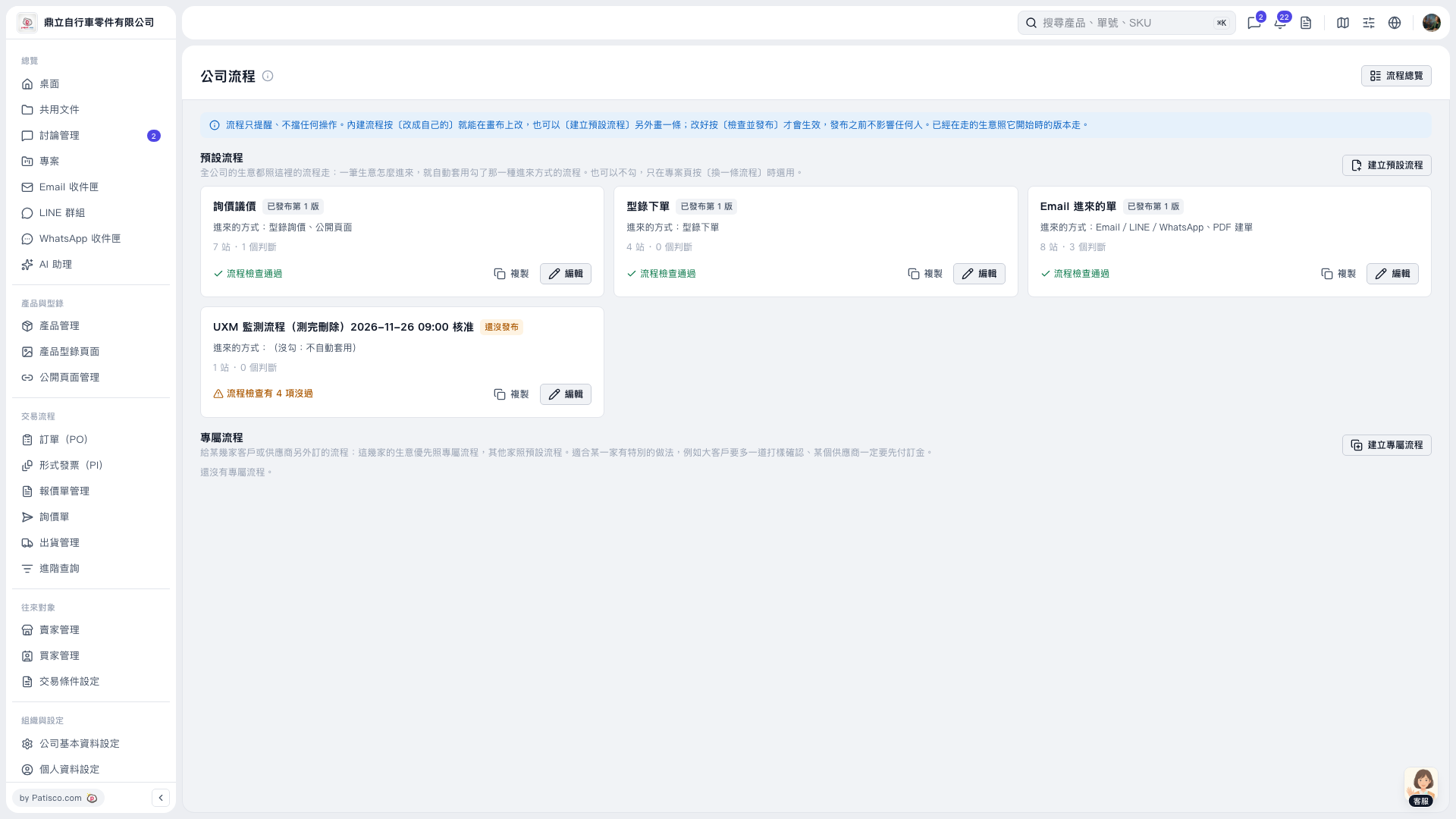 V5 新桌面版|公司流程