
1. Open the workflow editor and click “Approval / Audit” in the component palette on the canvas to add a stage. 2. In the Stage settings on the right, use “Who Is Responsible” to assign the approver, then set “Document Type to Review” and “Path to Follow When Returned.” 3. When finished, click “Check and Publish” to activate the new workflow version. 4. Only the people specified under “Who Is Responsible” and top-level administrators can click “Approve” or “Return.” If no one meets the assignee criteria, only top-level administrators can perform these actions. 5. People without approval permission will see a message on the project page indicating who approves this stage. They will not see the “Approve” or “Return” buttons.
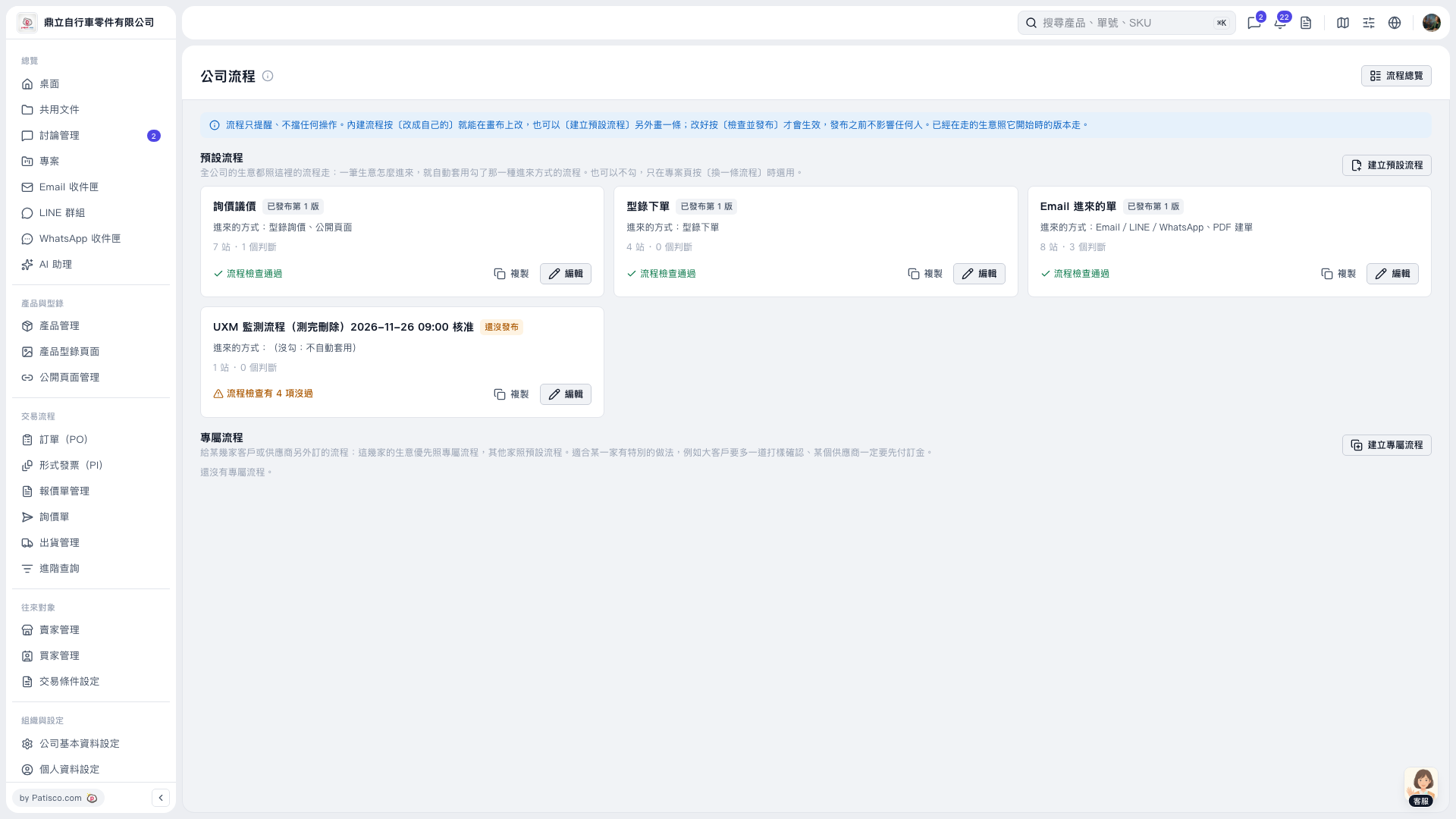 V5 新桌面版|公司流程