
1. Under [Entire Workflow] on the workflow canvas, select the [Entry Methods] you want the workflow to handle. If none are selected, the workflow can only be selected manually by clicking [Switch Workflow] on the project page. 2. Each [Entry Method] can be assigned to only one default workflow. If the same entry method is assigned more than once, publishing will be blocked. 3. After making your changes, follow the page prompts to [Check and Publish]. The changes take effect only after publishing. Ongoing business continues to use the version that was in place when it started.
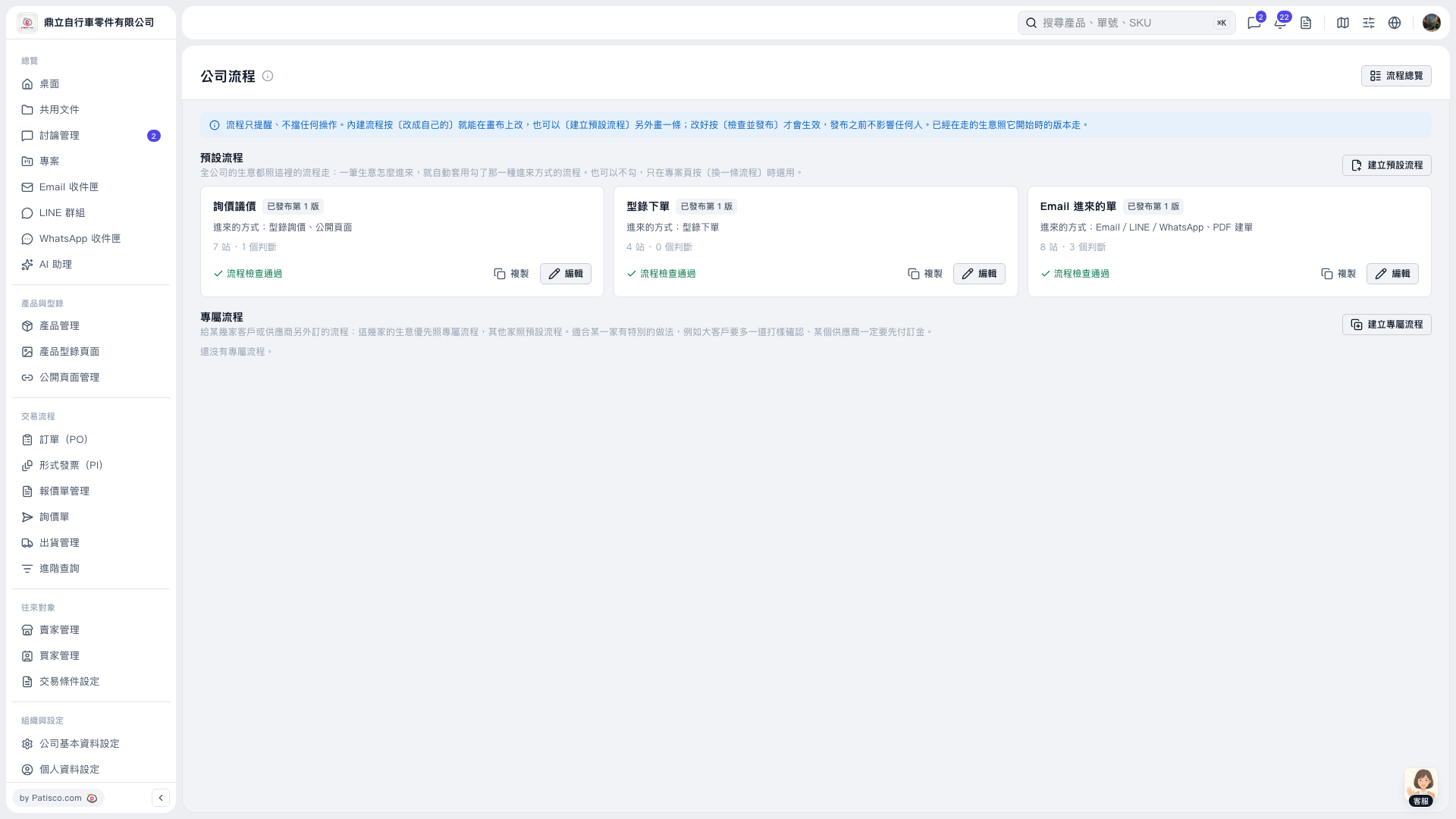 V5 新桌面版|公司流程