
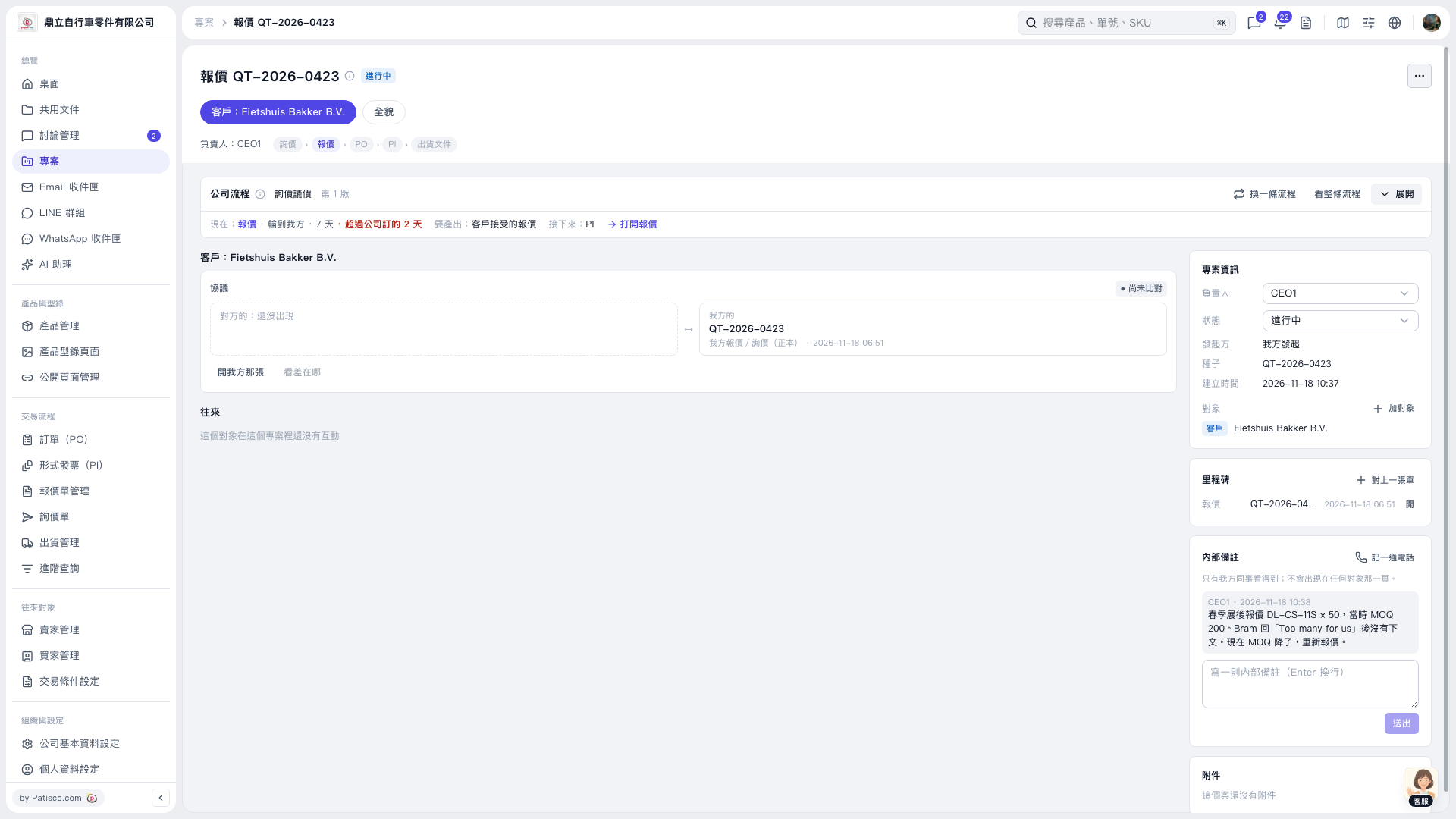
1. Click “Collapse” in the Company Workflow section to hide the workflow diagram and the description of the current stage. The “Now,” “What to Produce,” and “Next” summaries remain visible, and the other content on the project page moves up. 2. To view the workflow details again, click “Expand” in the upper-right corner of the section. 3. To view the full company workflow, click “View Full Workflow.”
 V5 新桌面版|報價 QT-2026-0423