
1. In the "My Mailbox" section of "Profile Settings", find "If your company's Microsoft account is blocked, ask your IT administrator to approve" below the mailbox linking button row. 2. Click it to view the instructions, and follow them to ask your company's IT administrator to approve Patisco's authorization first. 3. After the administrator approves, return to this page and click [Link Microsoft mailbox] again to complete the linking. This usually happens because your company's Microsoft account is set to require administrator consent before third-party applications can be authorized, so the IT administrator needs to handle it first.
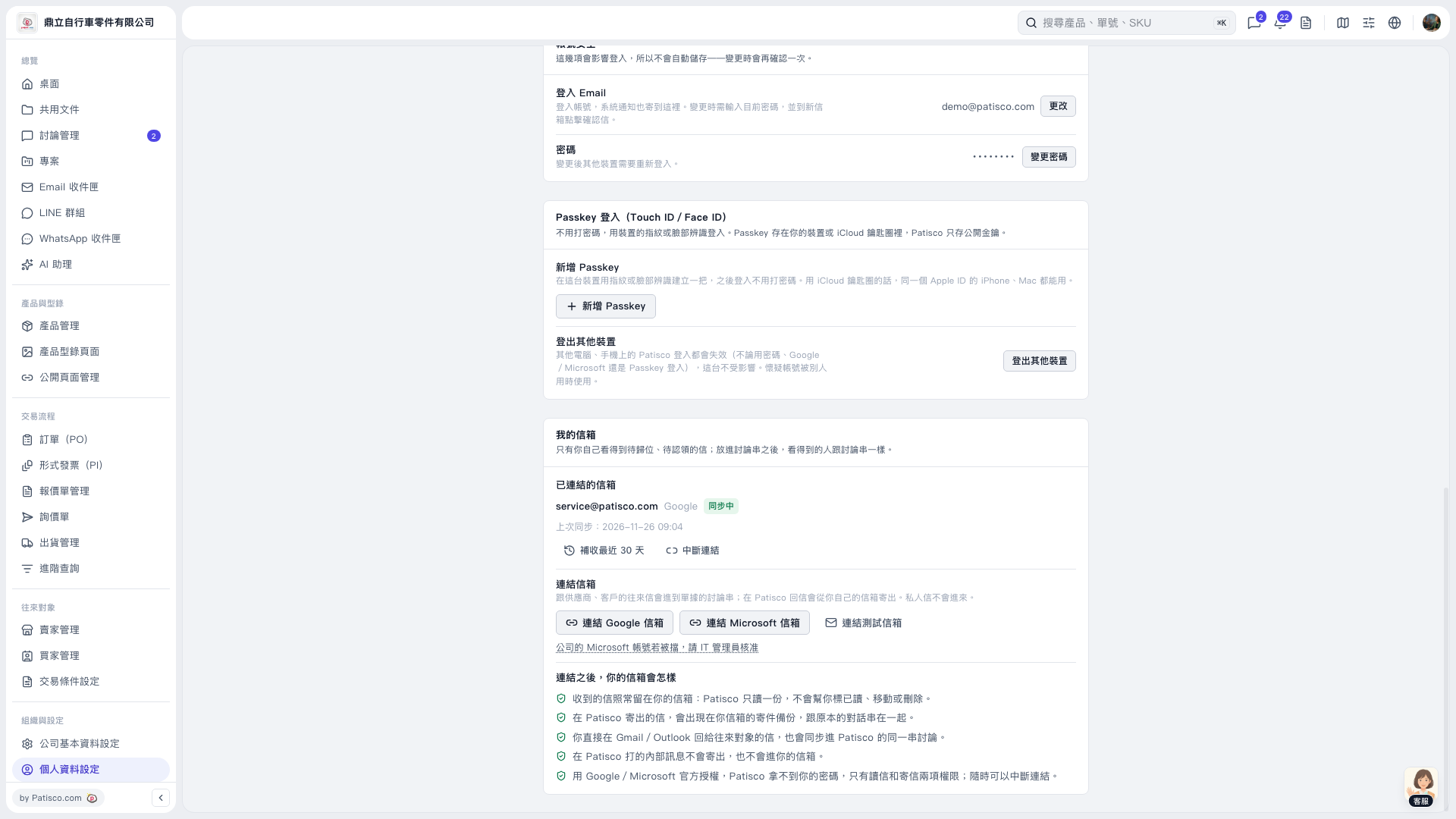 V5 新桌面版|個人資料設定