
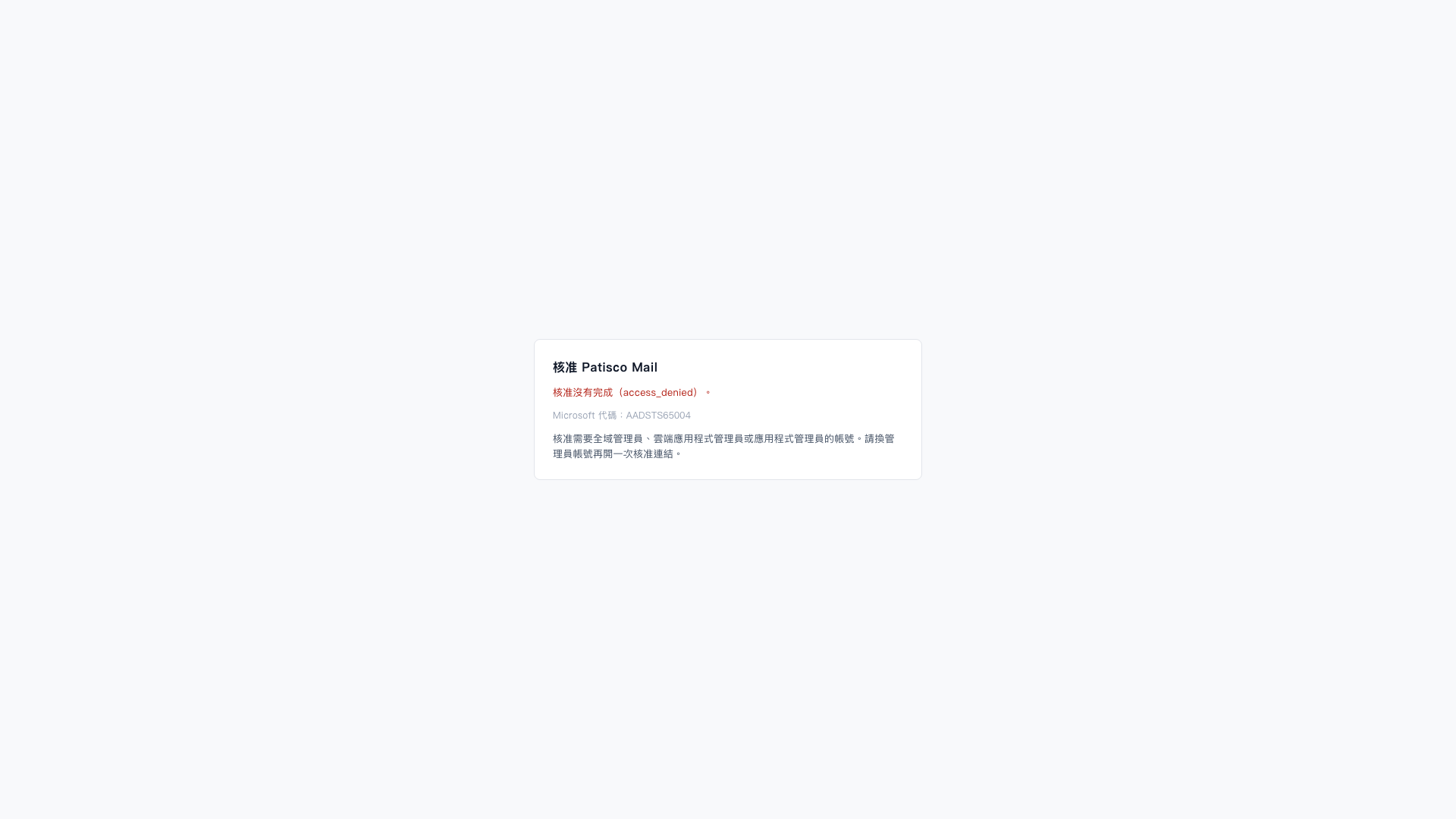
1. On the "Approve Patisco Mail" page, check the reason shown for the approval failure and the Microsoft code AADSTS65004 (which means the user selected Deny on the Microsoft authorization screen). 2. Switch to an account that has the "Global Administrator", "Cloud Application Administrator", or "Application Administrator" role. 3. Reopen the original approval link, grant consent on the Microsoft authorization screen, and complete the approval of Patisco Mail.
 V5 新桌面版|核准 Patisco Mail