
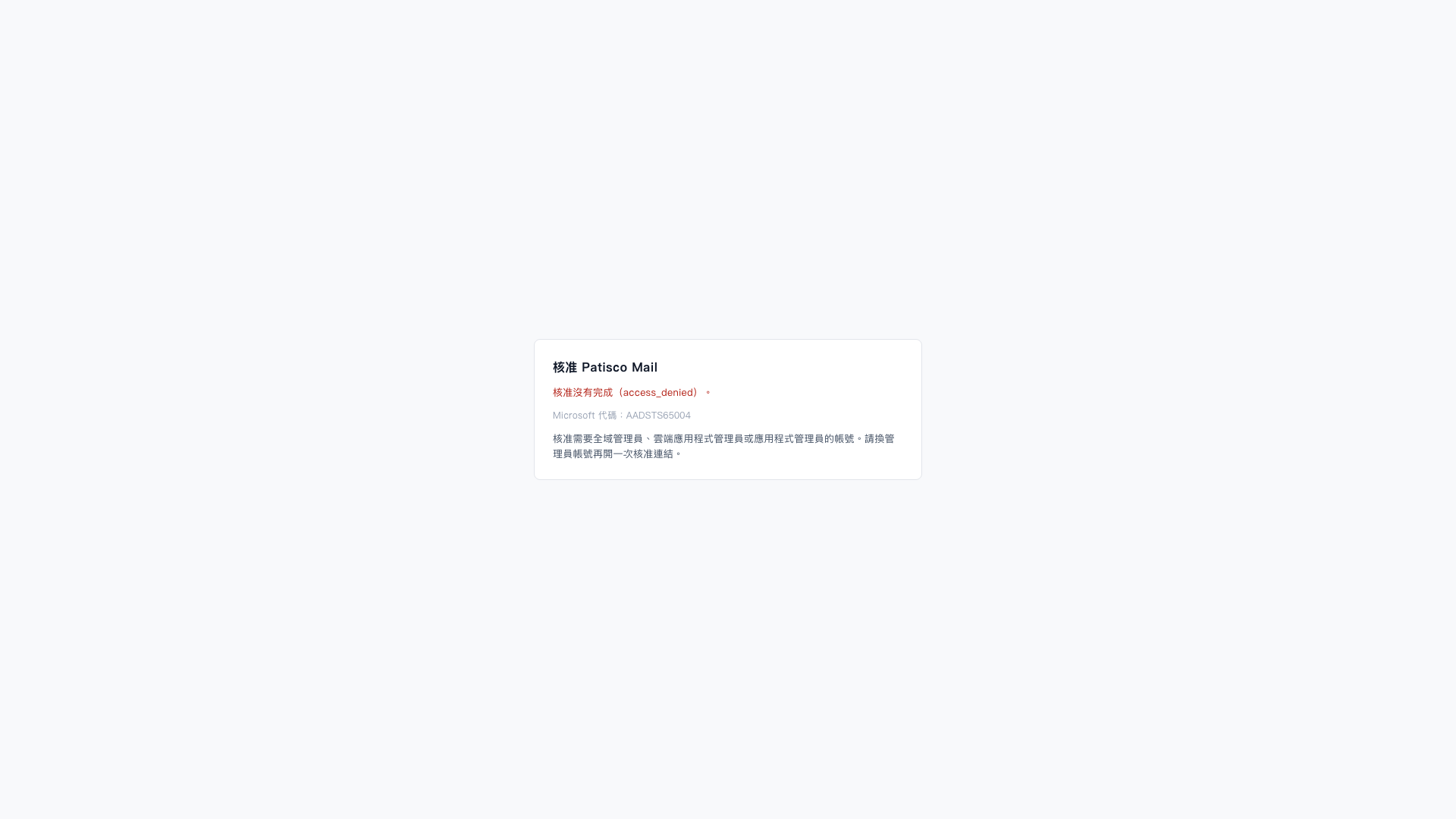
1. Approving Patisco Mail must be done with an account that has administrator permissions. The role can be "Global Administrator", "Cloud Application Administrator", or "Application Administrator". 2. If the account currently signed in does not have these roles, or Deny was selected on the authorization screen, the approval failure page appears. 3. Switch to an account with a matching role, then reopen the original approval link to complete the authorization.
 V5 新桌面版|核准 Patisco Mail