
1. In "Email Inbox", select the "To be filed" or "Unclaimed" tab. 2. Click an email in the list on the left, and the right side shows the subject, sender, recipients, body and attachments. 3. Click a PDF attachment to view it; if you want AI help understanding an attachment, click "Ask AI to read attachment".
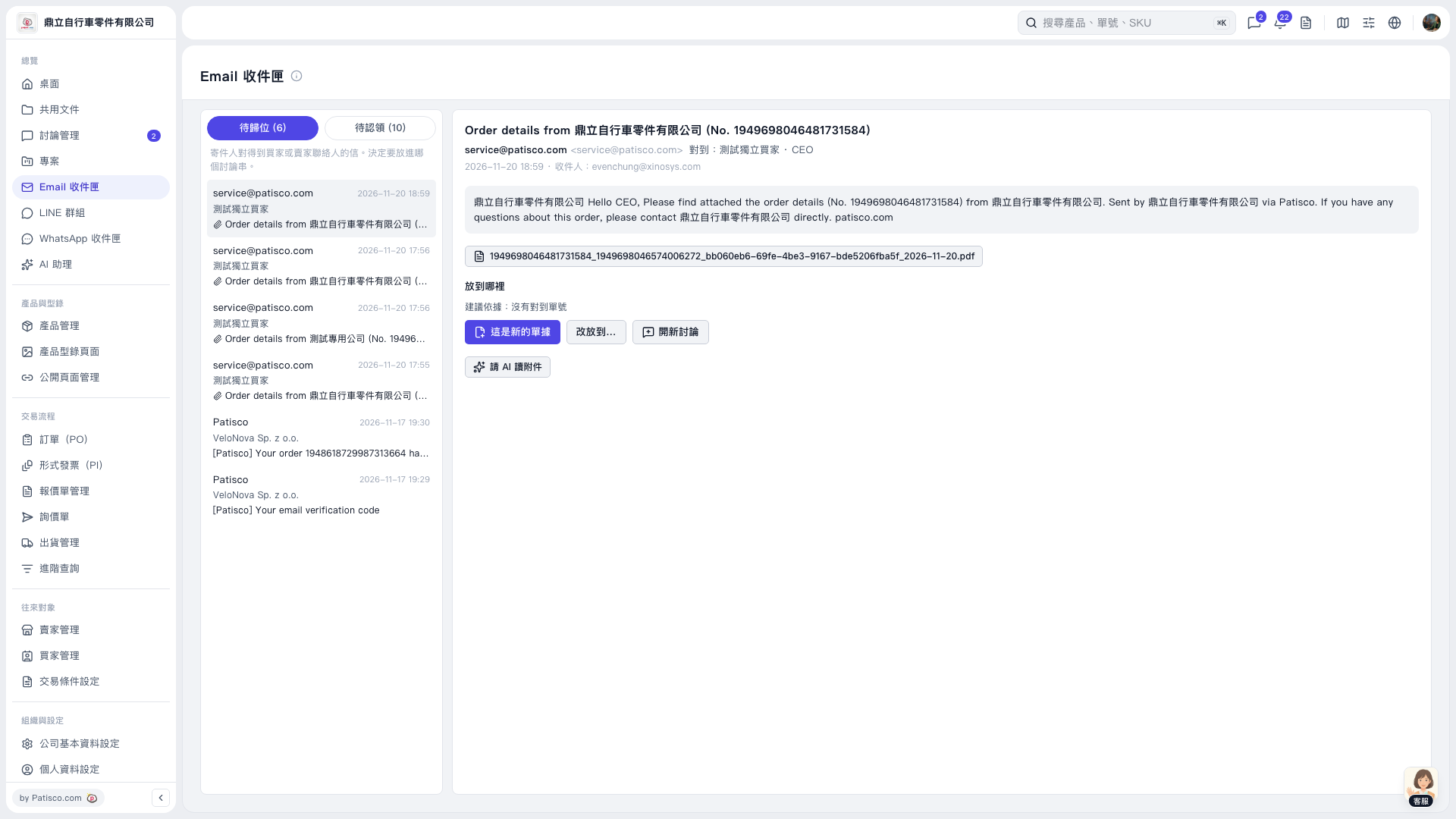 V5 新桌面版|Email 收件匣