
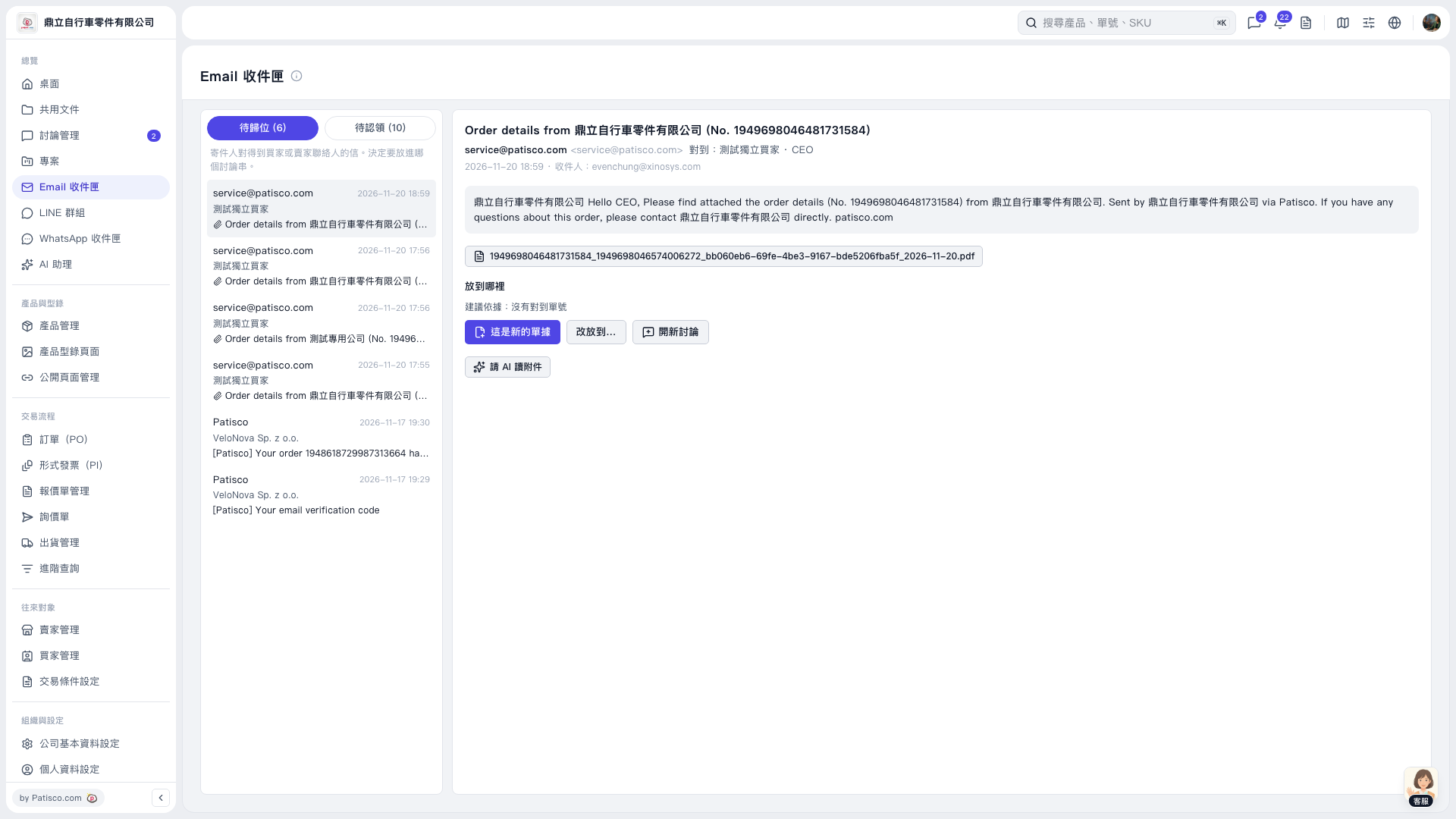
1. In the email list on the left, click the email you want to handle and review its content on the right first. 2. In the "Where to put it" section, click "This is a new document" to handle it as a new document; to choose where to file it, click "Move to..." and continue to specify the destination. 3. To create a discussion about this email, click "Start new discussion".
 V5 新桌面版|Email 收件匣