
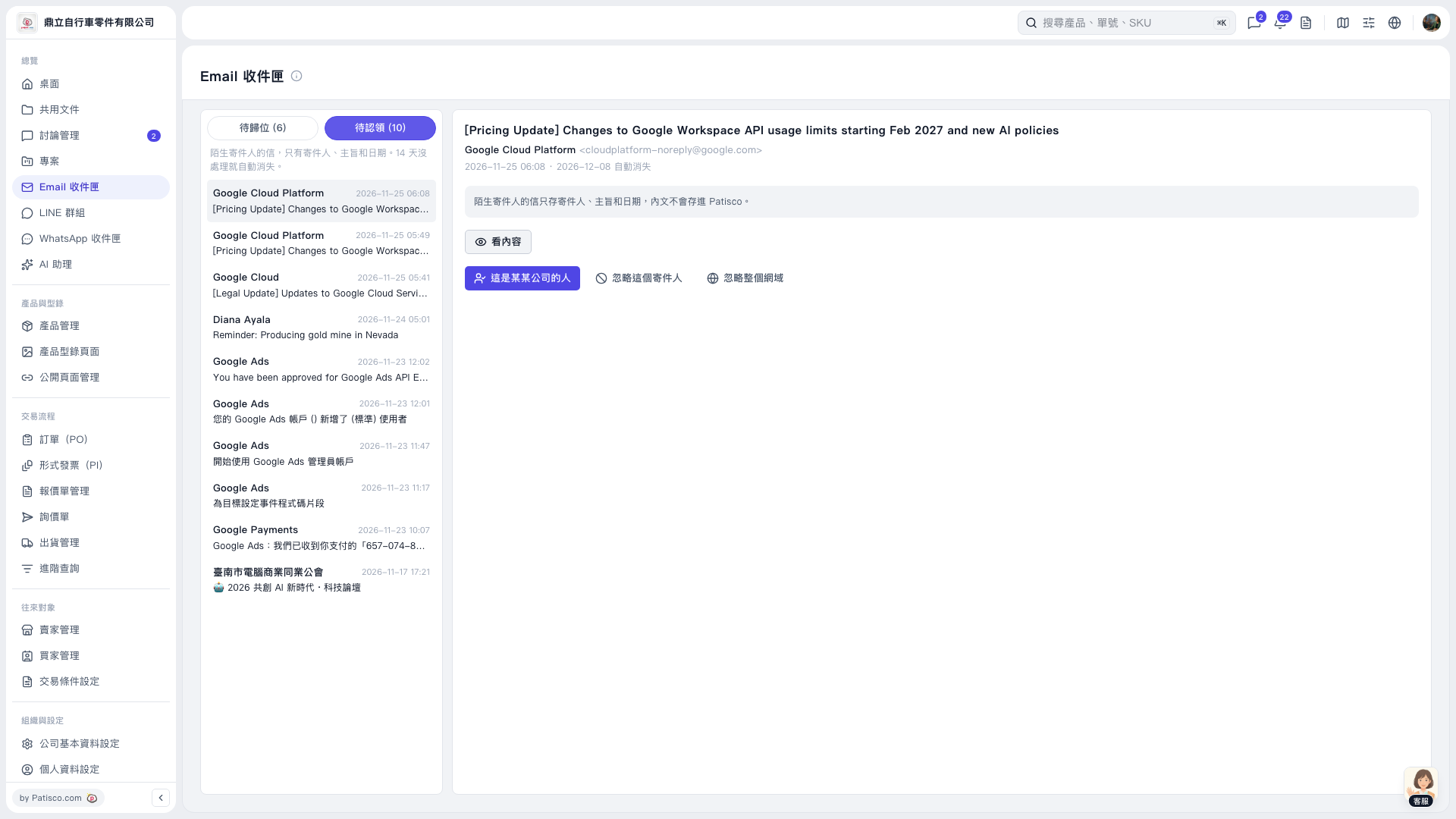
1. Click [Unclaimed], then select the email you want to handle. 2. Check the sender and sender email on the right; if you know the sender, click [This person is from a company] to link them to a company. 3. If you don't need to handle emails from this sender, click [Ignore this sender]; to ignore the entire domain the sender belongs to, click [Ignore entire domain]. 4. Note the "Auto-disappear date" and finish handling the email before the deadline shown on the screen.
 V5 新桌面版|Email 收件匣