
1. After completing the payment process, return to the details page of this PI copy. 2. Click [Re-check payment status] to the right of [Pay online] in the upper-right corner. 3. The system will query the payment status again. If payment is still incomplete, it will display “Payment has not been completed.” Once payment is complete, Payment Status on the page will update to Paid. If you checked out from the shopping cart but did not finish paying, return to this PI copy later and click [Pay online] to continue payment.
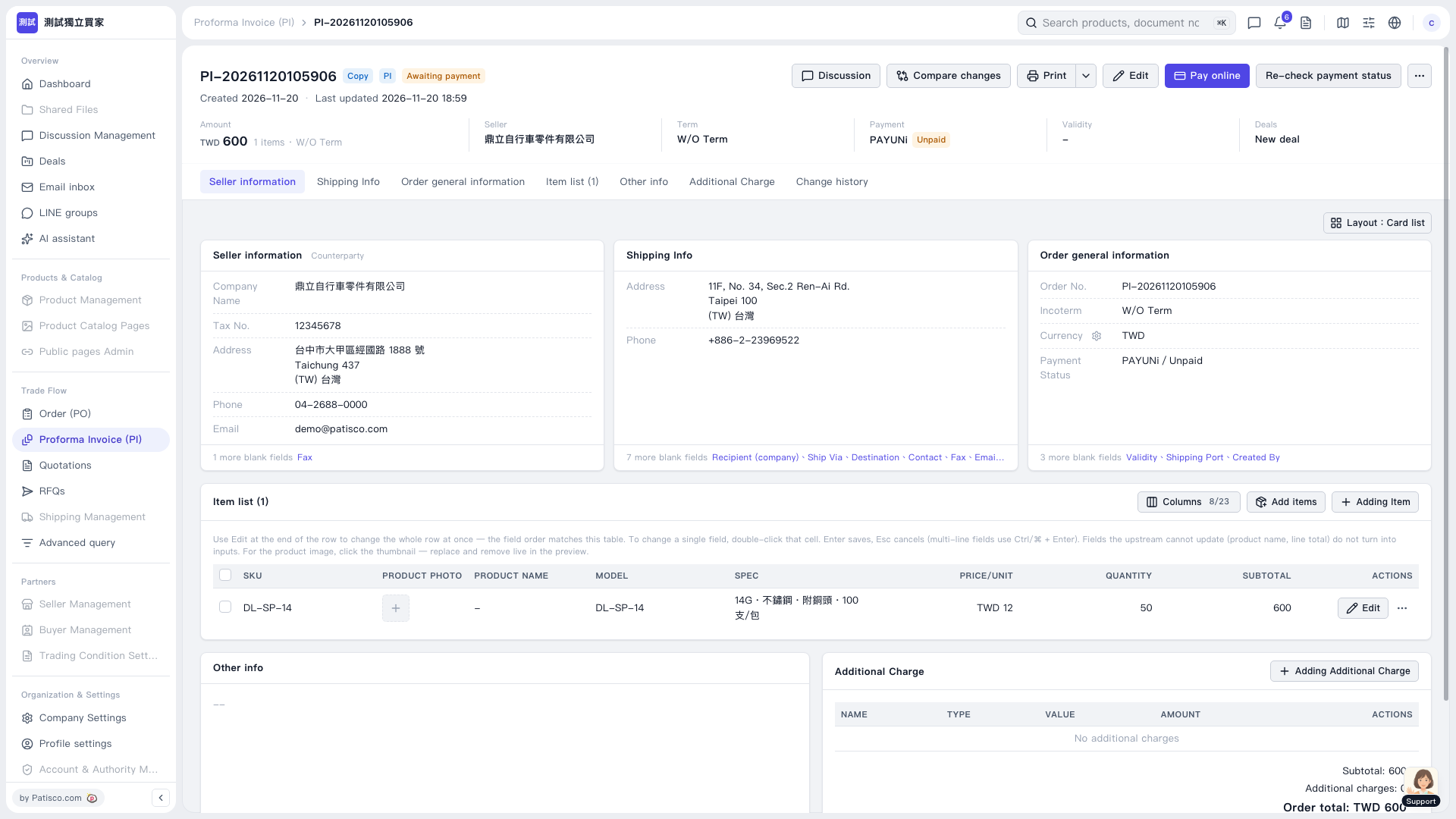 V5 新桌面版|PI-20261120105906(Proforma Invoice 詳情頁,狀態:Copy / PI / Awaiting payment)